2. Description of the device and accessories
The
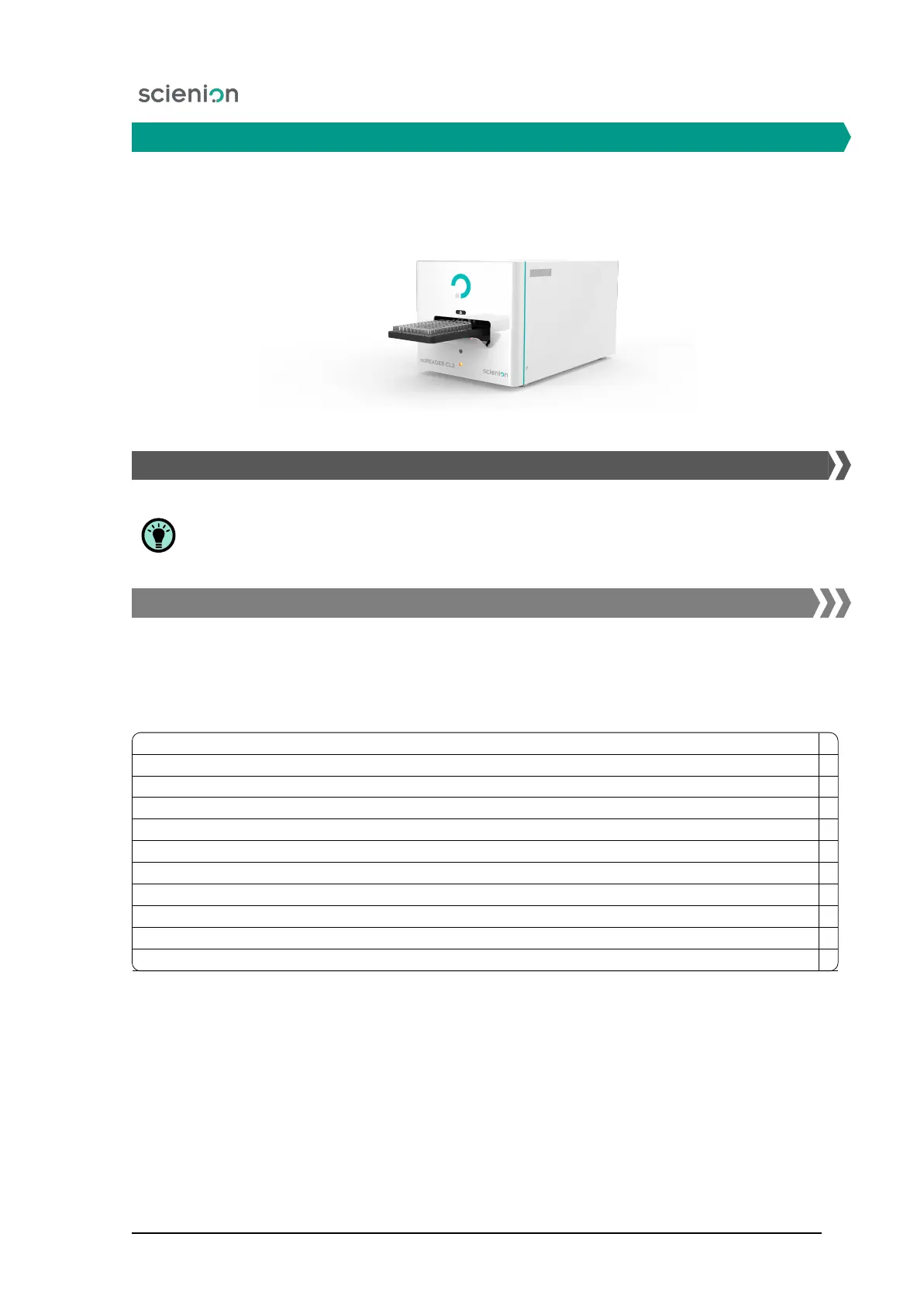
sciREADER CL2
device (Figure 1) is usually supplied according to the wishes of the customer as
an all-in-One PC in a similar configuration, as described in the chapter 9 Technical specifications or
without a PC.
Figure 1: The sciREADER CL2 device.
2.1. Checking the supplied components
Before putting the device into operation, please check the contents of the package according
to the check list below. In the event that any part is missing, or the device is damaged,
contact the Service Department of the manufacturer.
2.1.1. All-in-One PC IS included in the package
The installation of the software and the necessary drivers on the PC had been carried out by
Scienion
AG employees before the product takeover.
Items on the Checklist:
sciREADER CL2 device
All-in-One PC, keyboard, mouse, power cable
The operating instructions are stored on a CD/DVD or a USB flash disk
Power supply cable with a plug for the EU (or possibly the US, Great Britain and others)
USB 3.0 A-B cable
Calibration plate - for verifying the correct functioning of the device
Allen wrench - for removing the locking screws
CD/DVD or USB flash drive
HW key for one software license
Quick start manual - printed
Acceptance instructions - printed
The appearance of a calibration template is shown in Figure 2.
Scienion AG, 2019, Original user manual, sciREADER CL2 9


 To Next Page