8.0 LinLab - Motorized Device Configuration and Control Software |21
8.0 LinLab - Motorized Device Configuration and Control Software |21
8.1.2 Installing the USB Drivers
In order to control the PatchStar via the USB connection the relevant
drivers must first be installed. When running the system on Windows XP
or Windows 2000, the operating system should detect a new USB
device on power up or connection.
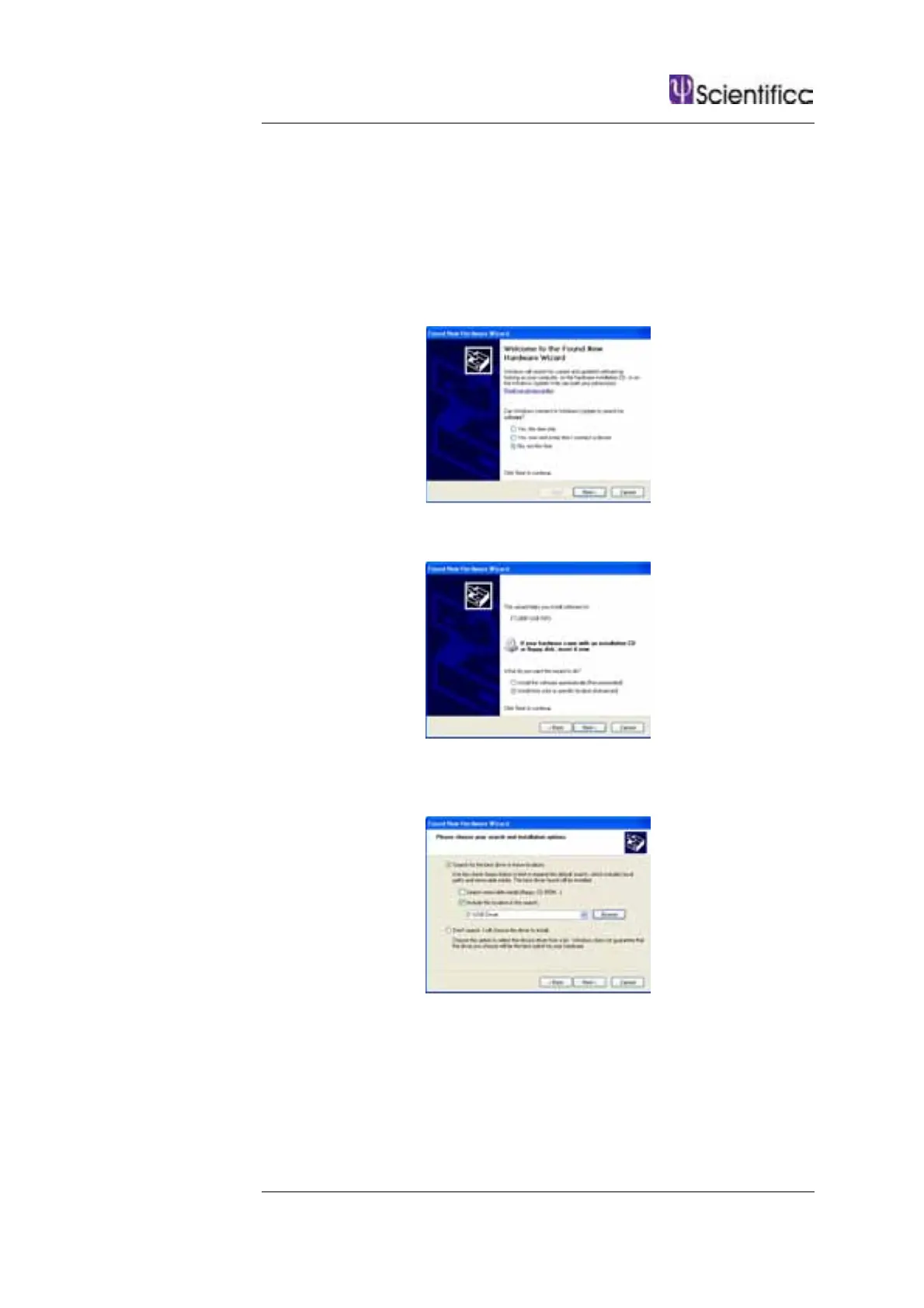
The following screen will appear. Select No, not this time.
Select to install from a specific location
Browse to the location of the USB Driver which will be on the CD
supplied with the system and click next.
Windows should now install the first of the drivers required.



 To Next Page