8.0 LinLab - Motorized Device Configuration and Control Software |29
8.0 LinLab - Motorized Device Configuration and Control Software |29
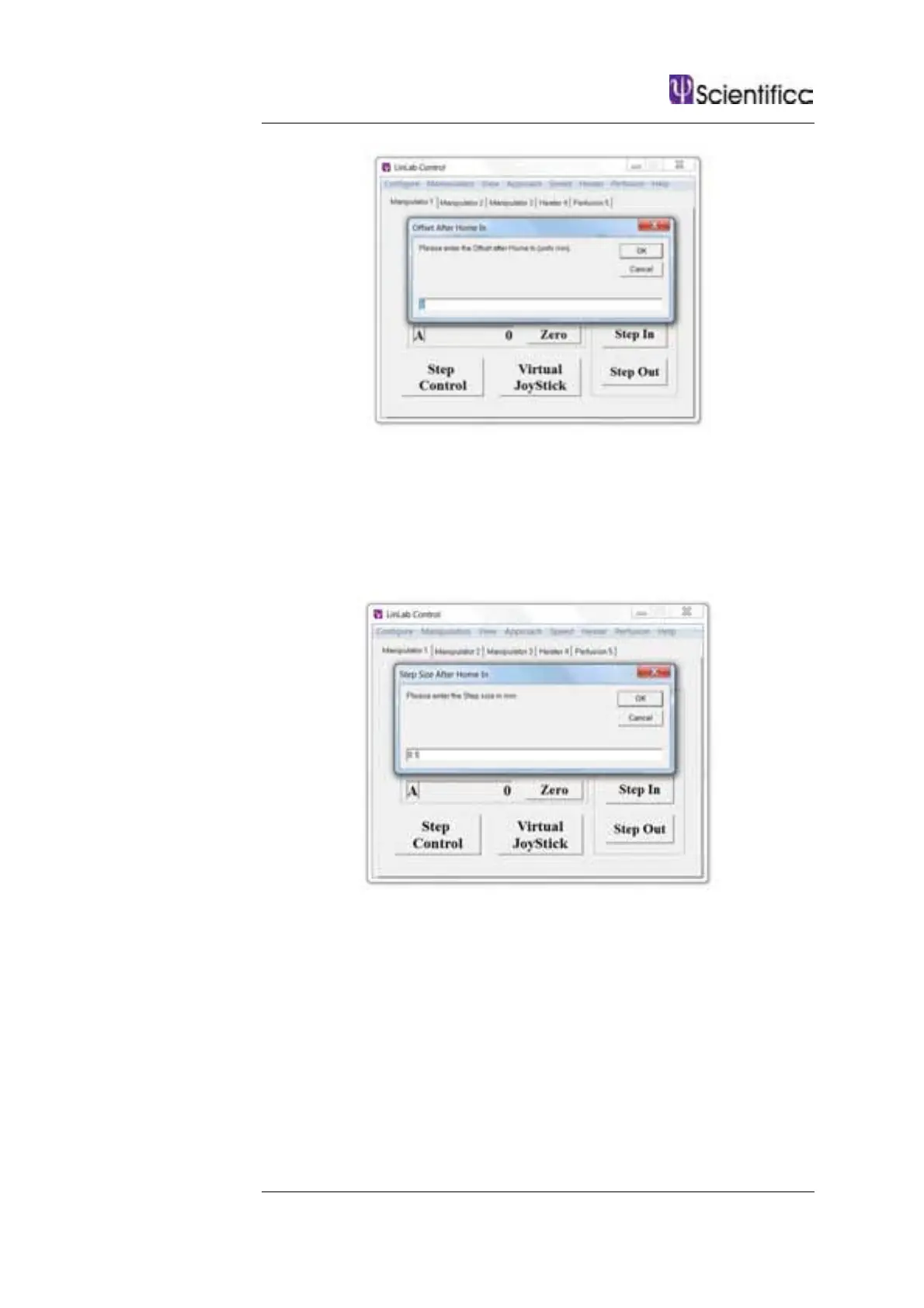
8.3.5 Manipulator / Step Size After Home In
This allows you to move forward in specific sized steps after the Home
In function has been executed. The example below shows a 100 µm
steps size. This can be set between 0 and 1 mm. If using a manipulator
with a virtual axis; the step will be applied to the combined axes. If an
approach angle has not been set, the step will only apply to the Z axis.
8.3.6 Manipulator / Reverse X (Y or Z) Direction Units
This allows you to reverse how the numbers are displayed within the
LinLab application window ie. If you feel that you are moving the X stage
in a positive direction but the numbers are displayed as increasingly
negative, click on the Reverse X Direction and the numbers will be
displayed as increasingly positive.



 To Next Page