26| 8.0 LinLab - Motorized Device Configuration and Control
Software
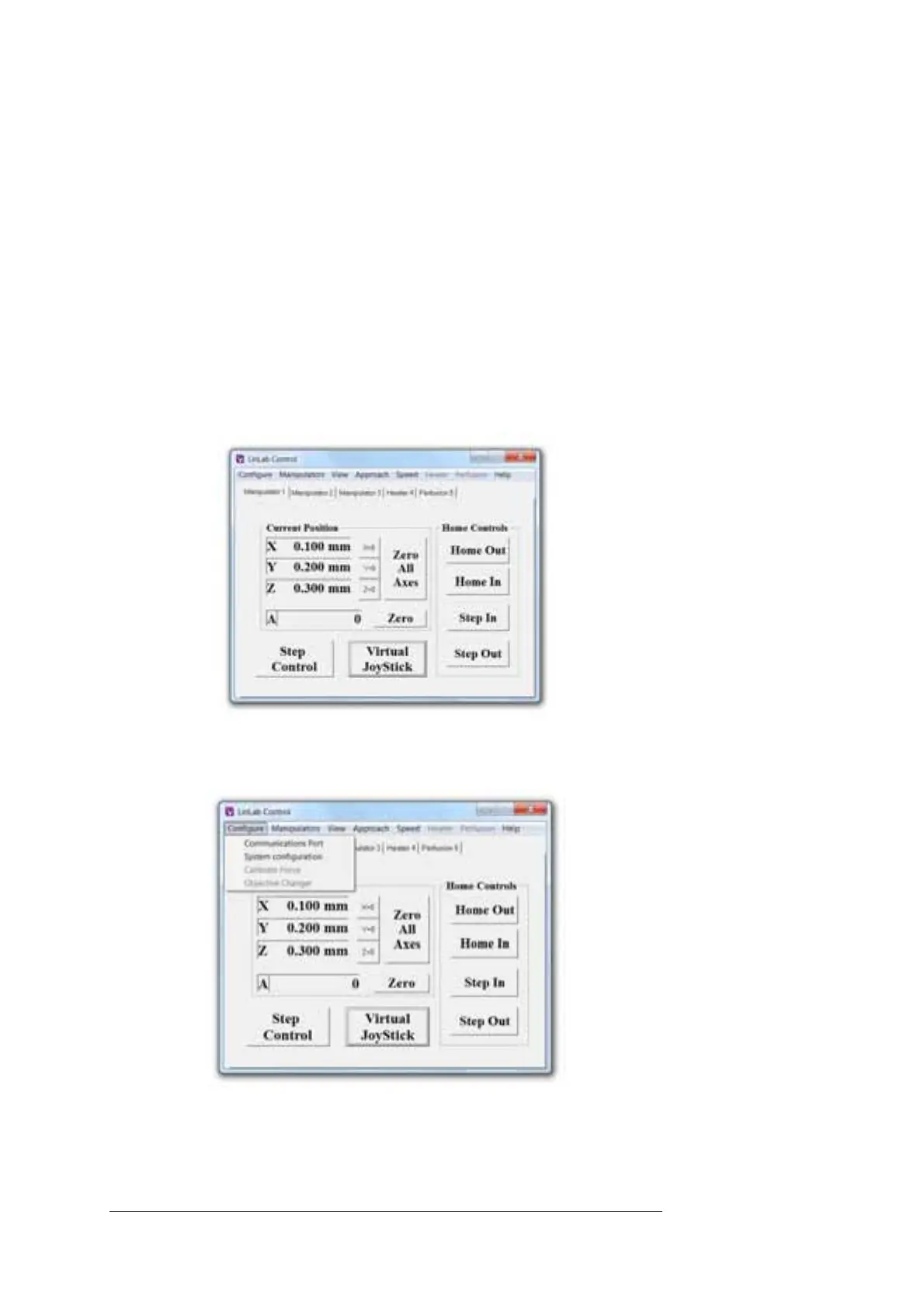
8.2.4 Home Out, Home In and Step In
If a Home Out position has been set, clicking on Home Out button will
cause the device to record its current position (as its Home In value) and
then move to the Home Out position as defined by the Set Home Out
Position function within the Manipulator menu (described below).
Clicking on the Home In button (after Homing Out) will return the device
to its original position prior to Homing Out less any safety offset which
may have been applied using the Set Home In Offset function within the
Manipulator menu (described below).
For Manipulators only: Following a Home In command, the Step In
function allows the user to move forward in the approach axis (either
virtual or Z) by the amount set using the Set Step Size after Home In
function within the Manipulator menu (described below).
8.3 LinLab Menus
8.3.1 Configure / Communications Port
This allows you to manually set the communications port. If you would
like to run more than one instance of LinLab to control multiple racks;



 To Next Page