24| 8.0 LinLab - Motorized Device Configuration and Control
Software
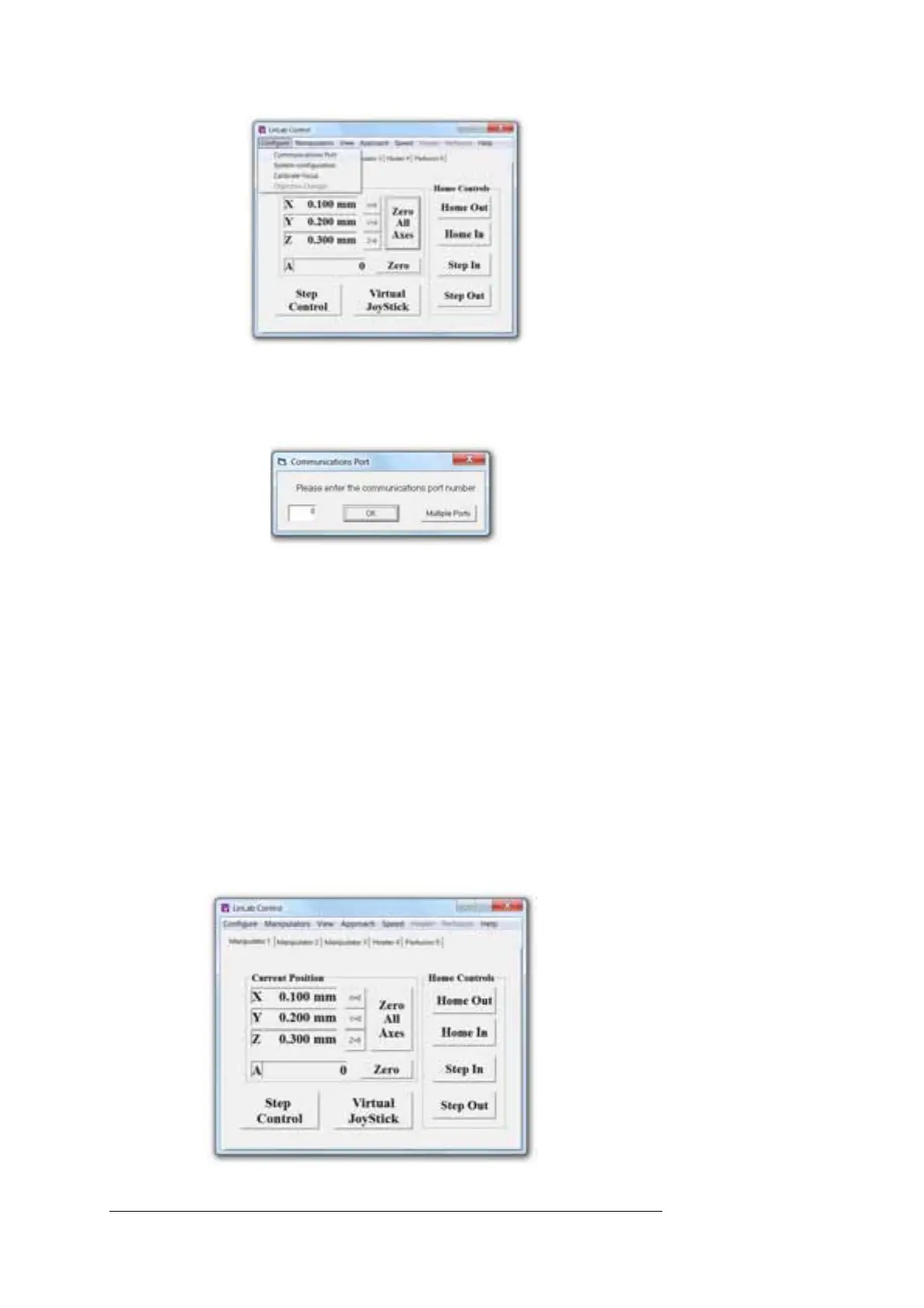
Enter the communication port number that Windows has assigned and
click OK
Now close and restart the LinLab application.
You are now ready to run the software.
The purpose of the software is to give you complete control over the set-
up parameters of your motorised device. The following features are in
place to optimise the usage of the system.
8.2 Running the software
Ensure the controller rack is turned on. To initiate; select the LinLab
p
rogramme icon under the Scientifica Program group from within the
Programme Manager.
When you run the software you will open a window like the one shown
below:



 To Next Page