8.0 LinLab - Motorized Device Configuration and Control Software |33
8.0 LinLab - Motorized Device Configuration and Control Software |33
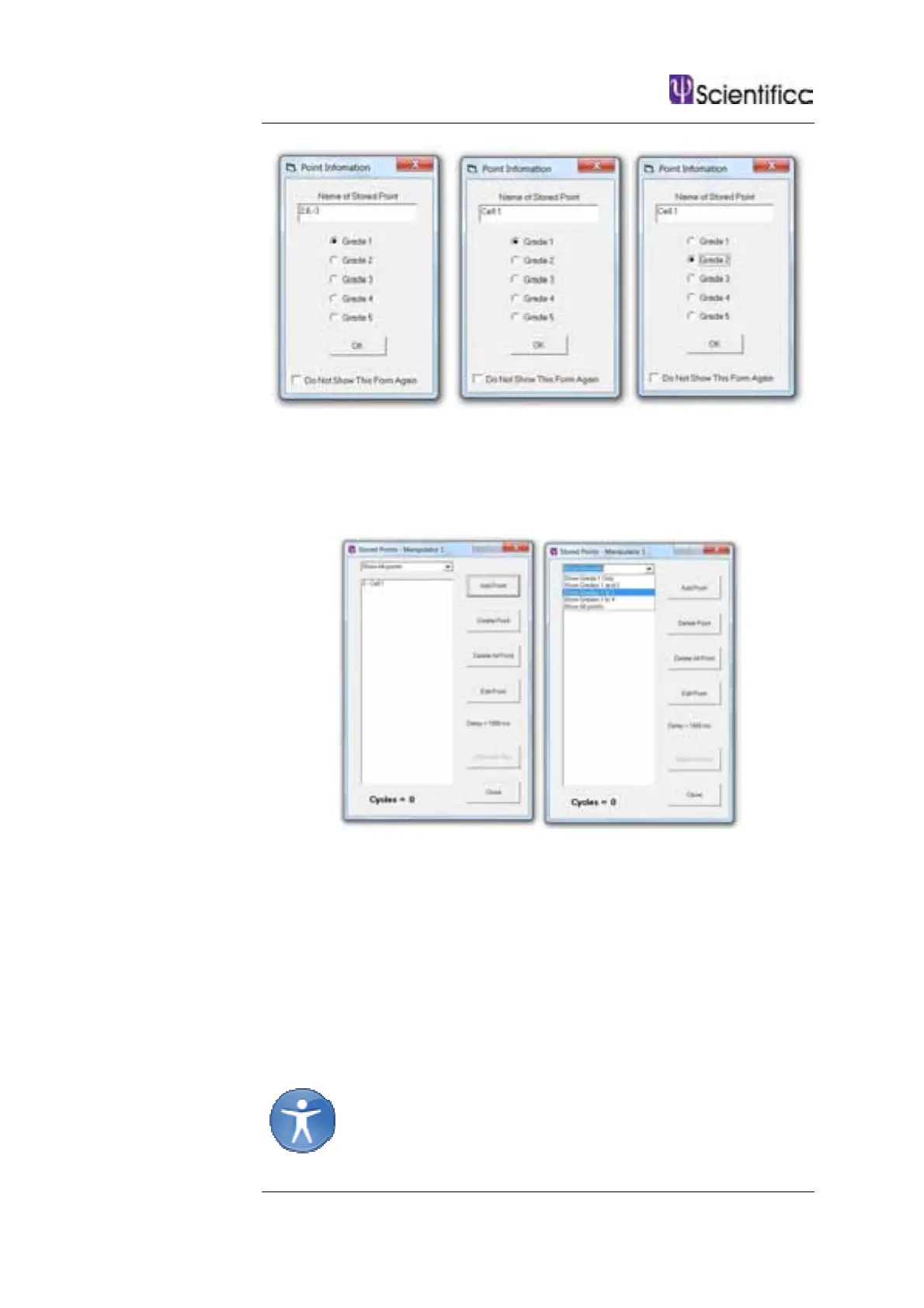
Once you are satisfied with the name and grade of the point click OK.
The Stored points form will be updated with the input information and
the user can continue to add points.
To return to a stored point, click on the point’s name. You can filter the
stored points by grade by selecting the drop down menu.
If you want to cycle through the points select Start Auto Run. This will go
from one point to the next in a sequential fashion pausing for the time
set in the Delay field (default is 1000ms).
Some users may wish to store the points without grading them or editing
their names. In this case either select Do Not Show This Form Again
in the point information screen or disable Enable Point Information
from within the View menu.
Note: Points stored in LinLab are separate from positions
stored in the user interface (e.g. positions stored on a control
cube)



 To Next Page