10
7. Finally, align the mounting through-holes on the UMS top plate with the M6 threaded
holes in the lower stage of the UMS.
8. Secure in place using the M6 screws previously removed.
3.5 Installing optional accessories
3.5.1 Fitting the optional Z focus module
The optional Z focus module can be purchased as an additional item to provide motorised
movement of the microscope Z focus.
To install the Z focus module
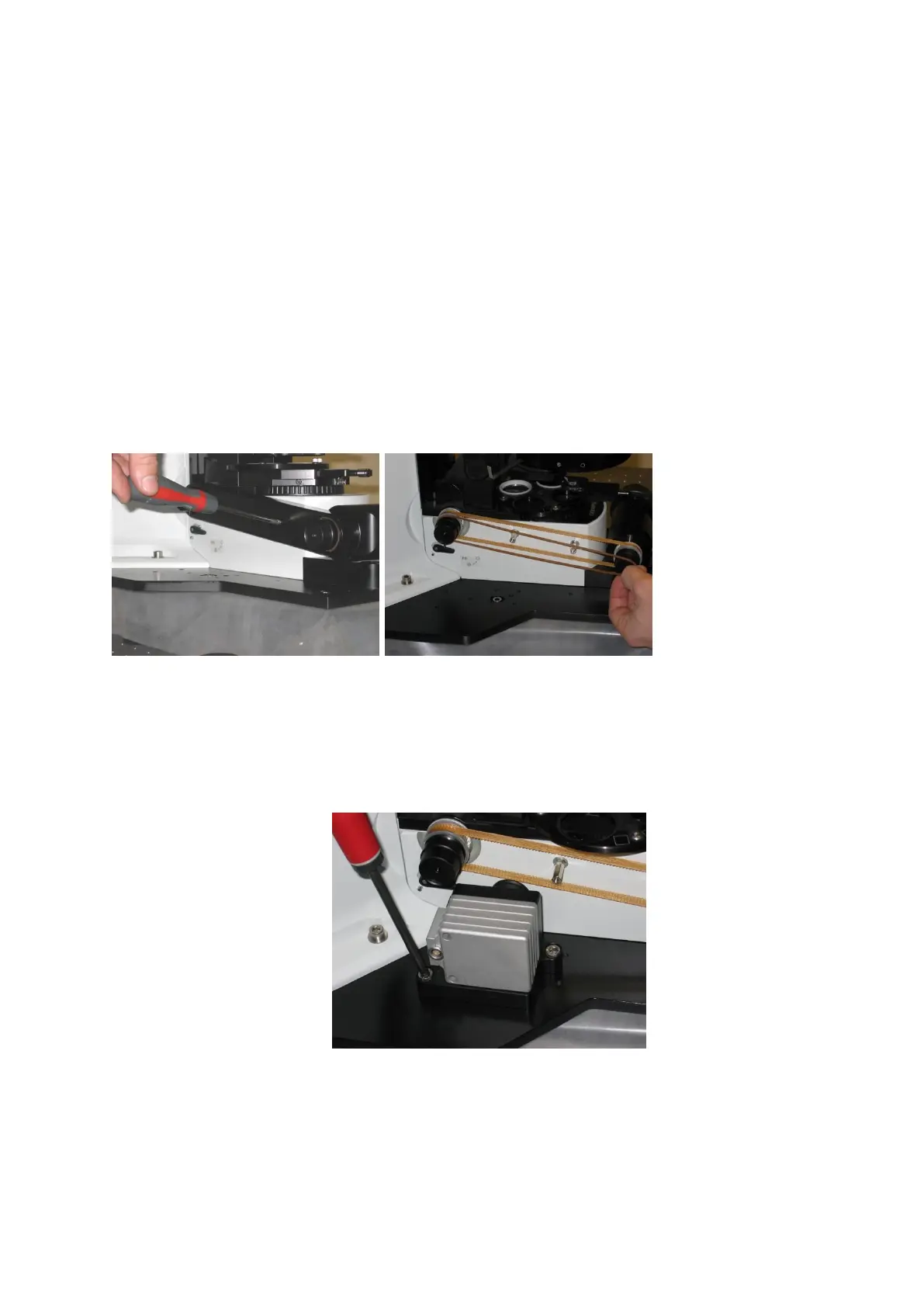
1. Remove the microscope drive belt cover and fine focus band (the slimmer, orange
band in the right-hand picture below)
2. Place the Z focus module on the top plate of the UMS, aligning it with the Z module’s
mounting holes. Please review section 7.0 for further assistance in identifying these.
Align the groove on the Z focus module and the groove on the microscope focus by
locating the module parallel to the microscope as in the pictures below.
3. Once in place secure to the top plate using two M6 x 12 mm screws.
4. Once screwed down, attach the drive band supplied with the Z focus module - this
should be taut, but not stretched. See below for examples of alignment of the band
between the module and the focus knob.



 To Next Page