OEM Manual – CUBO
2
SMART
Pag. 24
General overview
A general inspection should be carried out Carry out a full system leak test
Repair any missing or broken insulation
Check functionality of all electrical components
Check functionality of pack anti-vibration
mounts
Check all pipework and supports
Ensure all valve caps and electrical guards are
present.
11 List of alarms
When an alarm occurs in the controller the alarm icon in the user display will be switched ON and it will
start to blink ( ).
To get more alarm details you should check the alarm masks available in the display.
These mask contains several information (date and time, description, suct. and disch. Pressure, codes)
that could help the user to identify the possible alarm reason and to understand which checks to
perform.
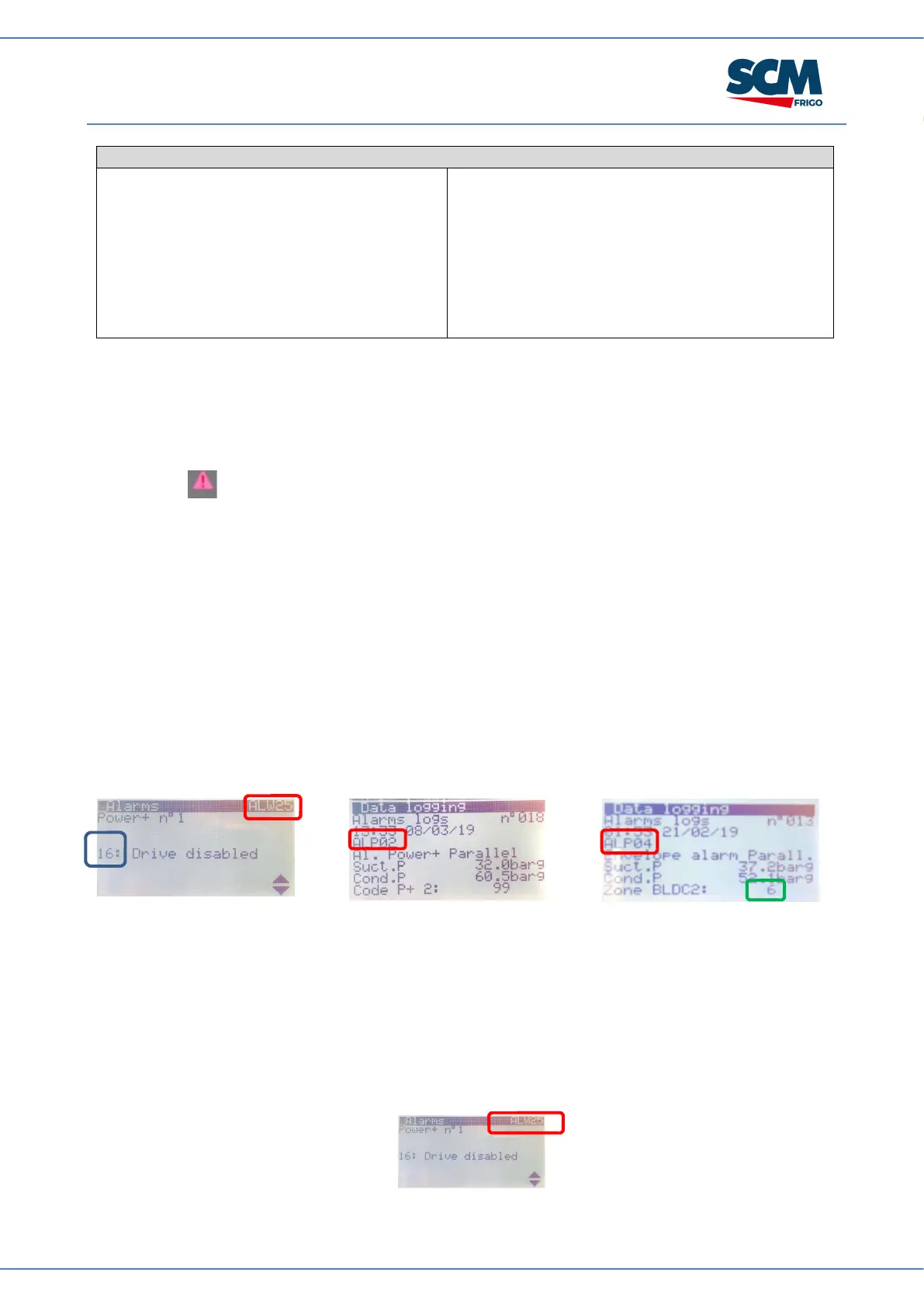
Here below some details about how to interpret the different codes shown in the alarm masks.
Highlighted in RED the main alarm reference Check the HECU alarm table to get more details
Highlighted in BLUE the PSD (POWER+) alarm code Check the PSD (Power+) alarm table to get
more details
Highlighted in GREEN the Envelope Zone that caused a compressor shut-off Check the
Envelope Zone table to get more details (at page 33)
11.1 Hecu alarm
In the below table we reported a quick description about the Condensing Unit alarm with the main action
made by the controller.
The alarm Index to refer is the one reported in the alarm masks or in the alarm logs (please find an
example in the below picture. The Mask Index is the one highlighted in red).


 To Next Page