11
SD GlucoNavii® NFC BLOOD GLUCOSE MONITORING SYSTEM
Understanding Your New System
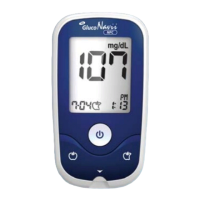
1) Strip Stand-by Display
After turning on the meter, the below will be displayed
automatically to show the test strip icon ashing. In this
Strip Stand-by Display, it’s able to enter setting mode of the
meter or search the test results.
2) Blood Stand-by Display
If a test strip is inserted into the meter in either Strip Stand-
by Display or turning o, the below will be displayed
automatically to show the appropriate test result after
applying blood sample. And if you pull o the test strip,
it will return to Strip Stand-by Display. In this Blood Stand-
by Display, the ON/OFF button doesn’t act. But if you need
to check the meter or the test strip, you may use a control
solution. Then the control solution icon in the left-side of
test strip icon will be displayed by pressing left button
during 3 seconds.


 To Next Page