EasyManua.ls Logo

SDMO R570U - Page 109

SDMO R570U
299 pages
Print Icon
To Next Page IconTo Next Page
To Previous Page IconTo Previous Page
Loading...
Back-up to perform GS 1
Generating set
priority
Stop Faults Alarms
Modification
GS select.
01
Priority
select
02
Valid
Return to the previous
priorities
Display
GS 1 2
PRI 02 01
-1-
General parameters
-2-
Thresholds
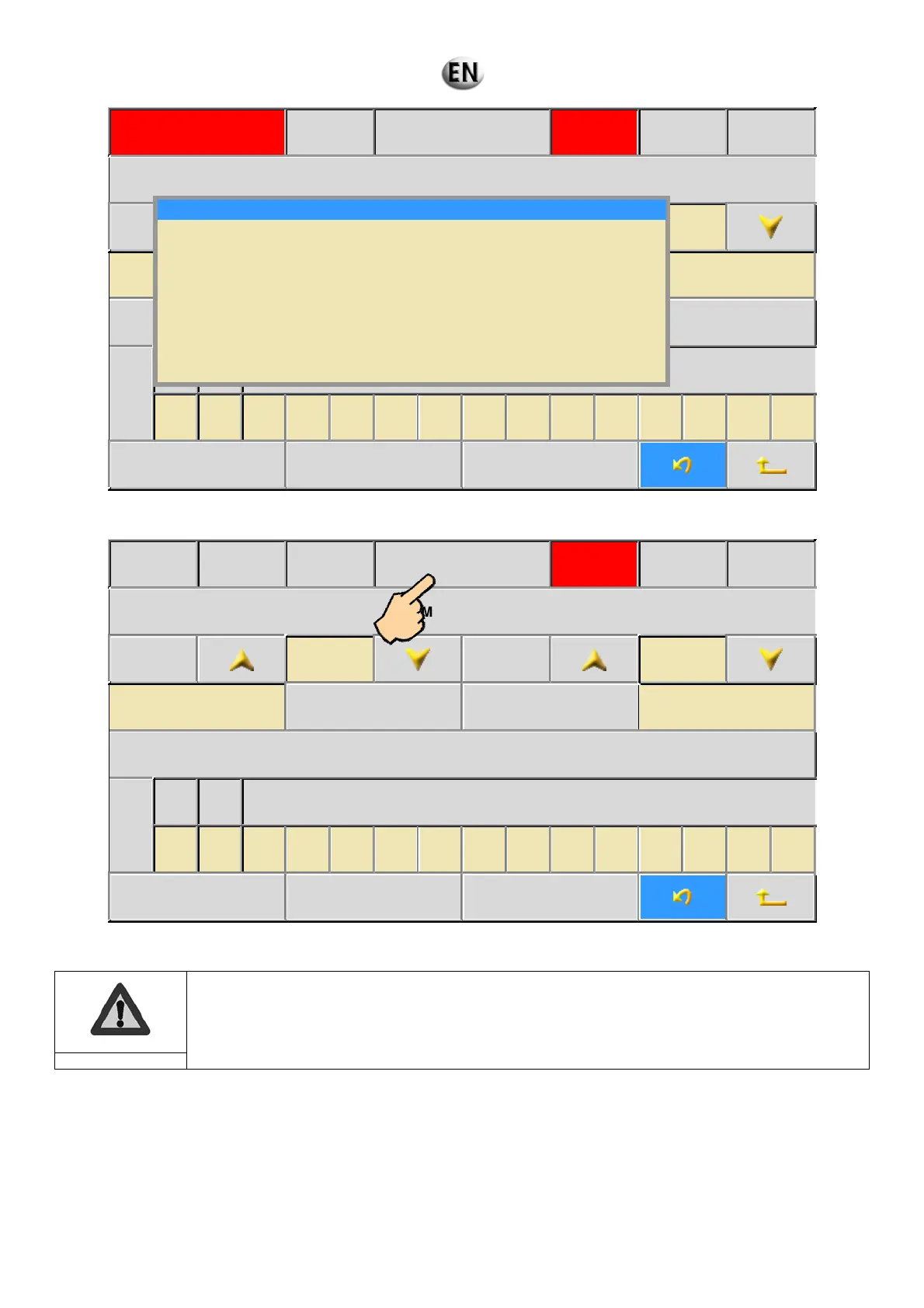
10. The Kerys saves your new configuration.
15/07/09 19:10 :00 GS 1
Generating set
priority
Stop Faults Alarms
Modification
GS select.
01
Priority
select
02
Valid
Return to the previous
priorities
Display
GS 1 2
PRI 02 01
-1-
General parameters
-2-
Thresholds
11. Press “Generating set priority” on the touch screen to return to the home screen.
The configuration will only be considered valid if the following operations are carried out:
Open the battery cutout.
Wait 5 seconds.
Close the battery cutout.
Important
Saving in flash …
107/297

Table of Contents

Related product manuals