VERSO 50_v1.0.27_EN 33502027401_3_1 page 15/24
2- 5 M4 - General setup
The general setup is composed by 3 submenus:
A) Display setup: Submenu that contains all the parameters settings of the screen: language, contrast, etc.
B) Clock setup: Submenu with the general settings about the clock: date, time and day of the week.
C) Security setup: Submenu to set the passwords for different levels that lock and unlock the various menus
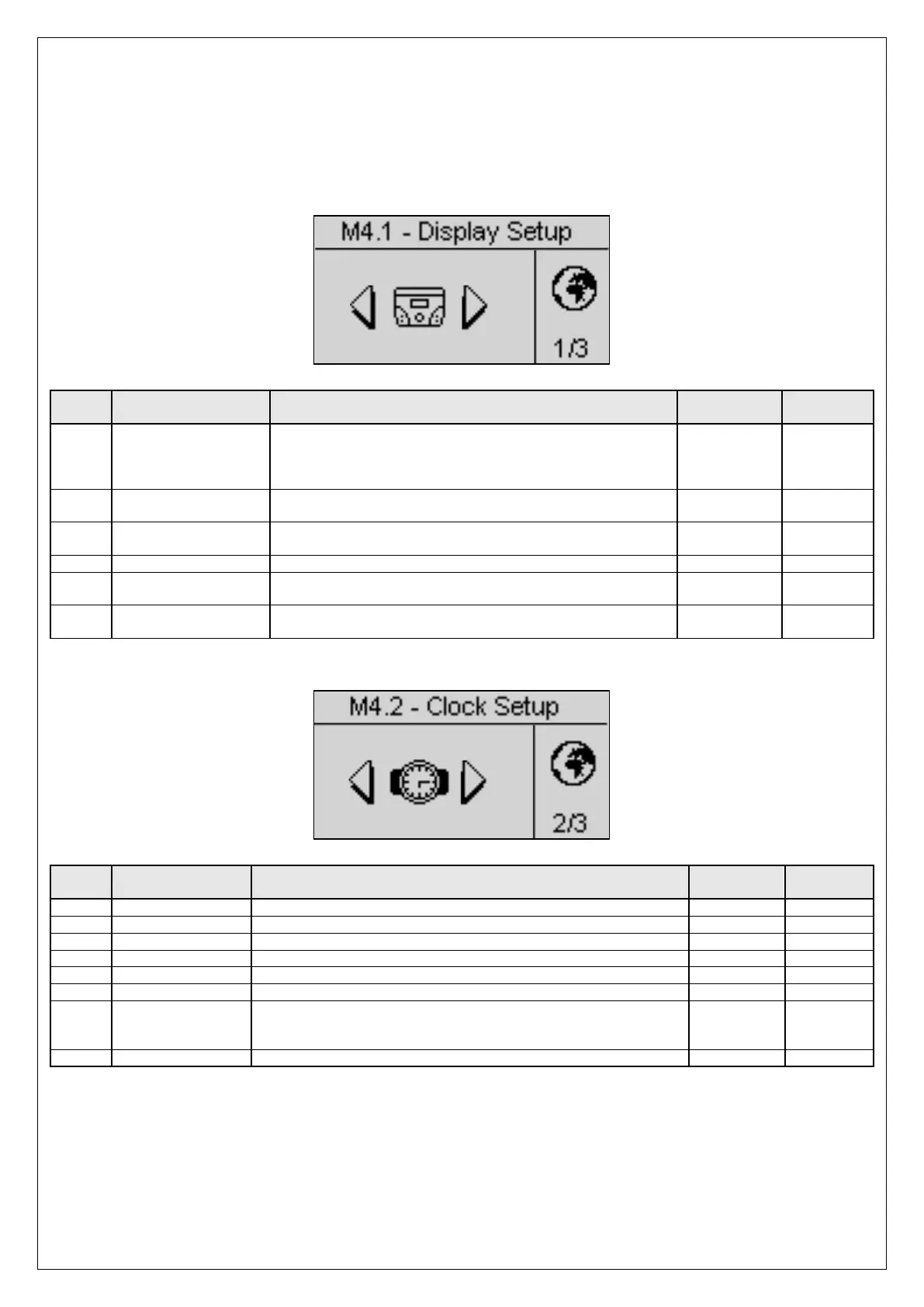
2- 5.1 M4.1 - Display setup
POS. NAME DESCRIPTION
A Language
You select the language. On board are available the following
languages: English, Spanish, French, Portuguese and Russian
.
And it’s possible to request and install any language with any
type of character.
EN – ES – FR
– PT – RU
EN
B Backlight
If no operations are done, after this time the display backlight
turns off. It returns on automatically when an events occurs.
0-255 [s] 60
C Return to default
It is the time after which the controller automatically returns to
the standby page (Mains 1) if no buttons are pressed.
Off-250 [s] Off
To set the display contrast preferred for the VERSO 50.
E Cyclic alarms
It is the time of the cyclic indication of the active alarms. The
new parameter is active at the next system startup.
0-255 [s] 3
F Reset events log
If you select and confirm this parameter, you reset the events
log.
- -
2- 5.2 M4.2 - Clock setup
POS. NAME DESCRIPTION
To set the day of the week from Sunday to Saturday
To set the current minute
G Update clock
Used to confirm the adjusted date/clock, it updates the current time.
To do it, you must select the area using the drive arrows and then
confirm by the “i” drive button.
- -
It shows current date and clock set.


 To Next Page