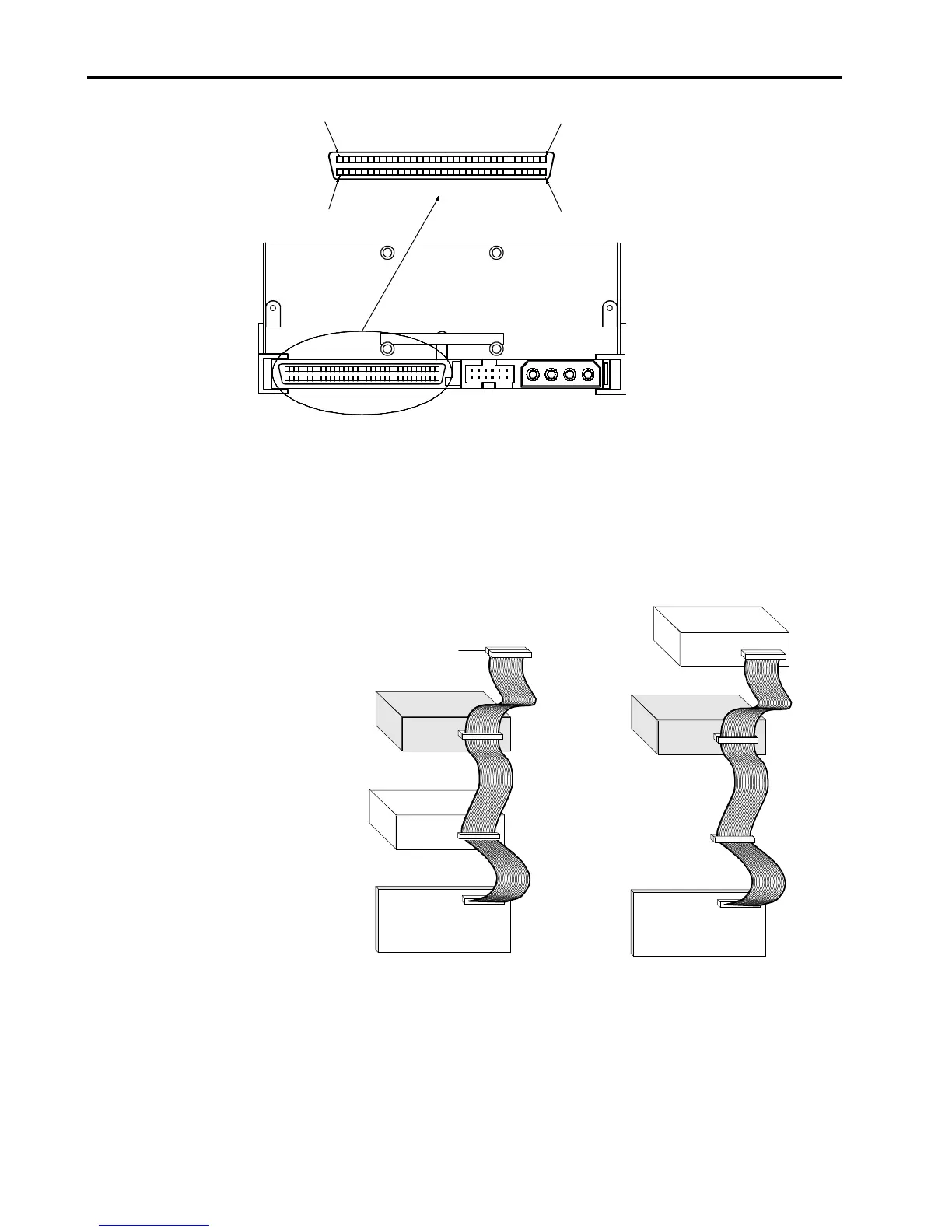
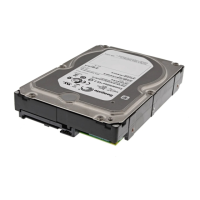
Figure 11. Interface Connector on an Internal Drive
SCSI Termination
The internal DAT 72 and DDS-4 drives do
not
provide SCSI termination. For this
reason, they should not be the last device on a SCSI chain. Two termination
examples are shown in Figure 12. If the drive is the only SCSI device, attach the
drive to the connector which is next to last on the SCSI chain and attach a multimode
terminator to the last connector in the chain.
Figure 12. Two SCSI Termination Examples for Internal Drives
Connecting a Power Cable
Attach a four-pin power cable to the power connector on the back of the drive. Figure
13 shows the location of the power connector.



 To Next Page