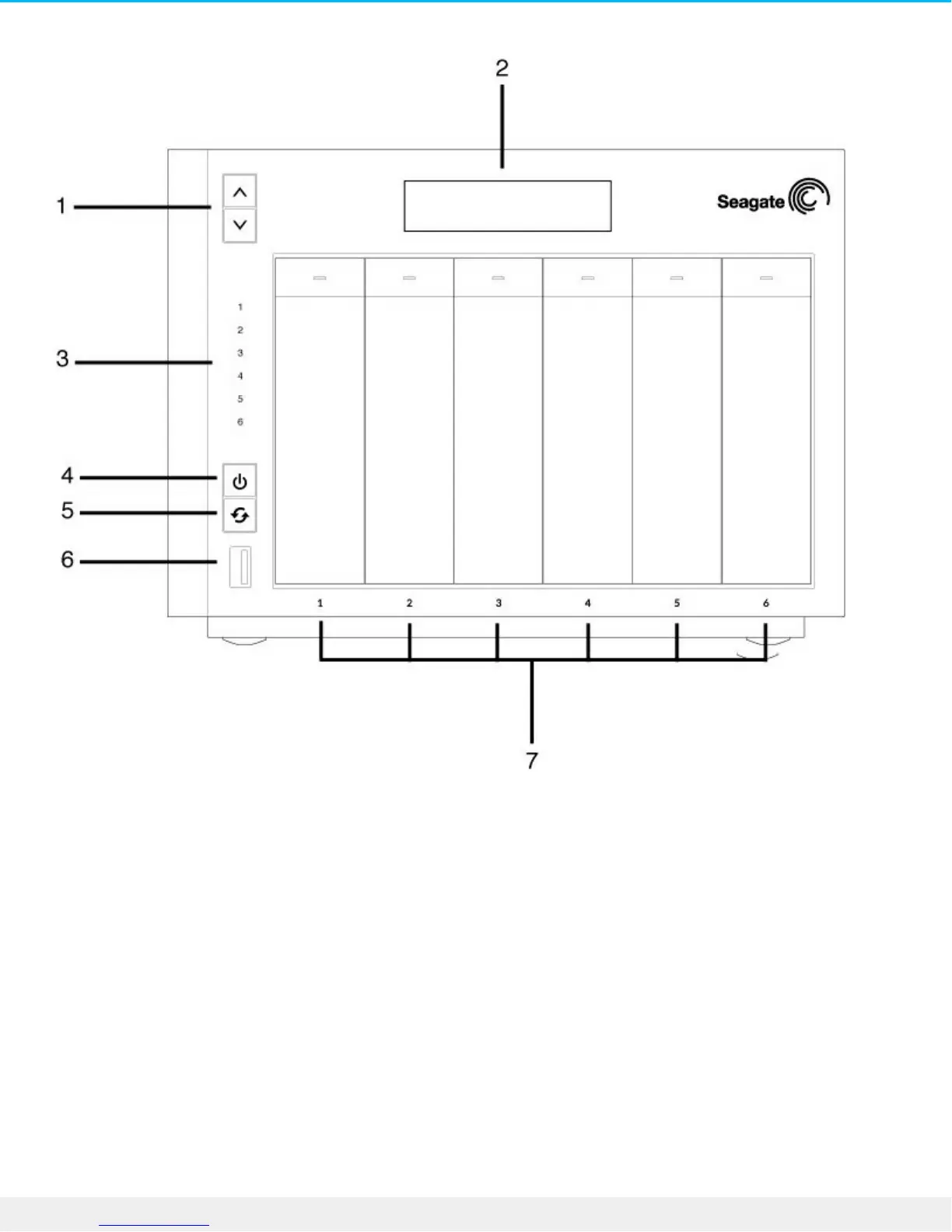
1. LCD up/down buttons: Push the up/down buttons to navigate the LCD menu.
2. LCD menu: Review the NAS Pro’s settings (see LCD Menu (NAS Pro 4-Bay and 6-Bay)).
3. Hard drive LEDs: Activity LEDs for the hard drives.
4. Power button and status LED: Turn the NAS on and off (see Operation). A LED will turn on once the
button is pushed.
5. One-touch backup button: Push the button to initiate a backup. The one-touch button must be
configured using the NAS OS Backup Manager.
6. SuperSpeed USB 3.0 Port: Connect a compatible USB storage device to the port.
7. Hard drive bays: Bays for the hard drives.
For details on LED behavior, see System LEDs.
Rear panel view
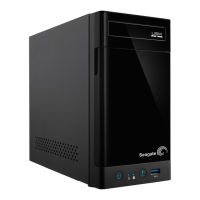
NAS Pro 2-Bay











 To Next Page