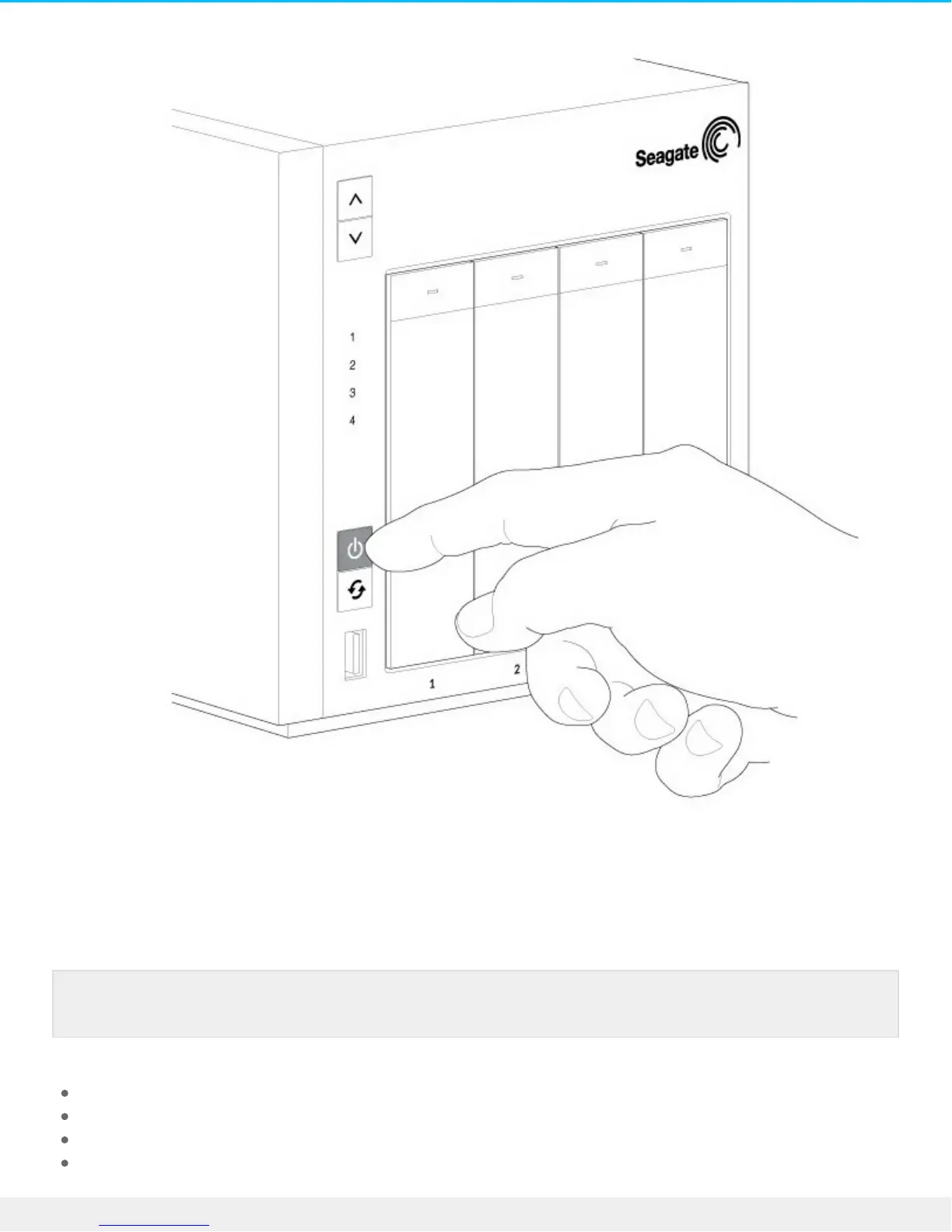
Step 3 - Insert hard drives
Consider the following before inserting hard drives into the enclosure:
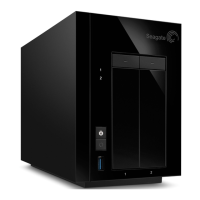
Seagate recommends installing the hard drives into the diskless enclosure from left to right.
Empty trays must stay in the bays for proper airflow.
Make certain that you are properly grounded before touching the hard drives.
Make certain that the hard drive’s SATA connection is at the rear of the tray.
Note: You can insert the hard drives while the NAS Pro boots and enters recovery mode.






 To Next Page