details on a short push.
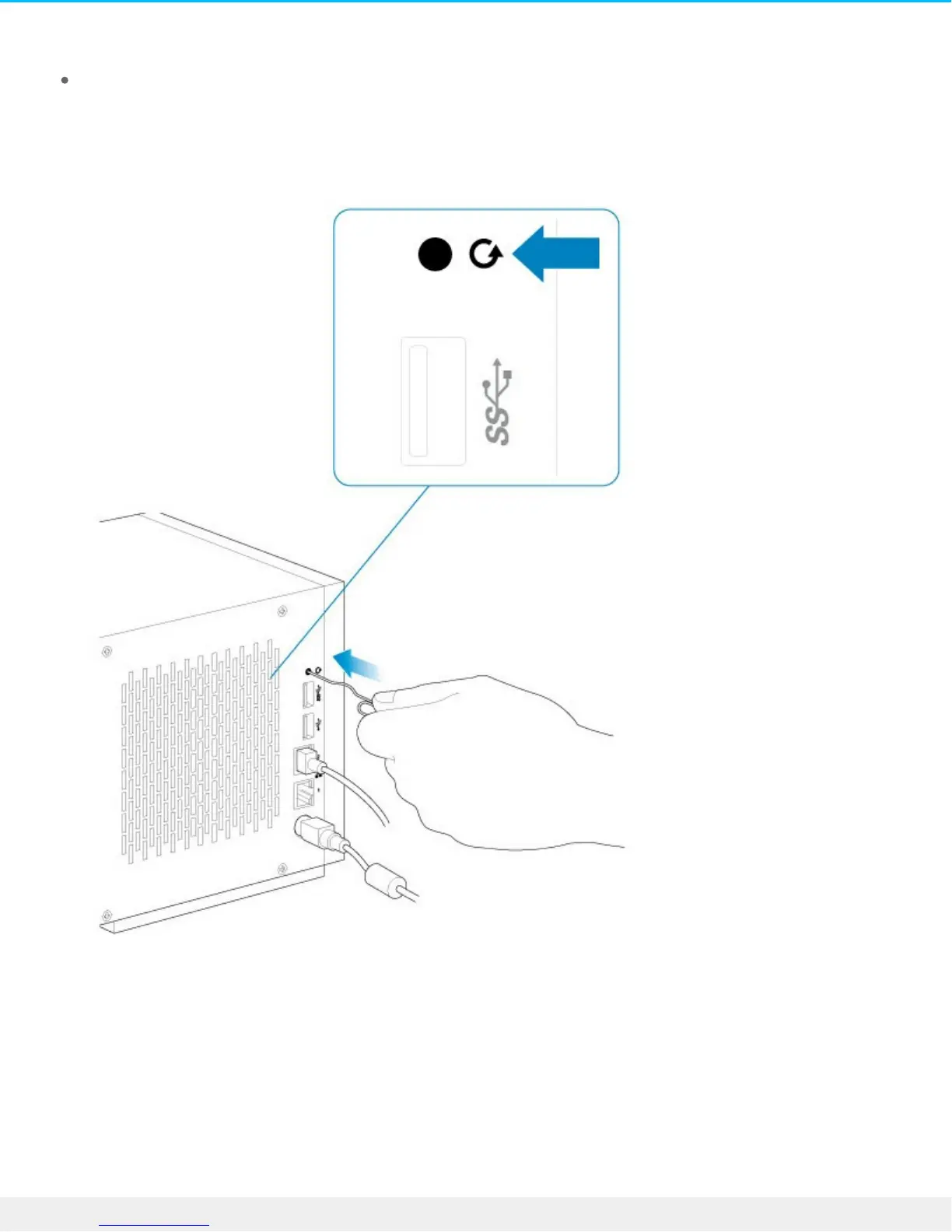
Hold the recovery button for five seconds after you release the power button.
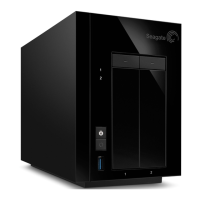
The recovery button is located on the rear of the device within the small, circular recess. The power button
is found on the front of the device (see System Overview for details).
1. Use a thin pointed object (e.g. paperclip, thin screwdriver, etc.) to push the recovery button.
2. Hold the recovery button while applying a short push on the power button on the front of the NAS Pro.
To make certain that the NAS Pro enters recovery mode, continue to push the recovery button for five
seconds after releasing the front power button.





 To Next Page