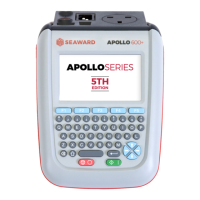
APOLLO 600+
PG 14 TESTED. TRUSTED… WORLDWIDE.
MAIN MENU WINDOW
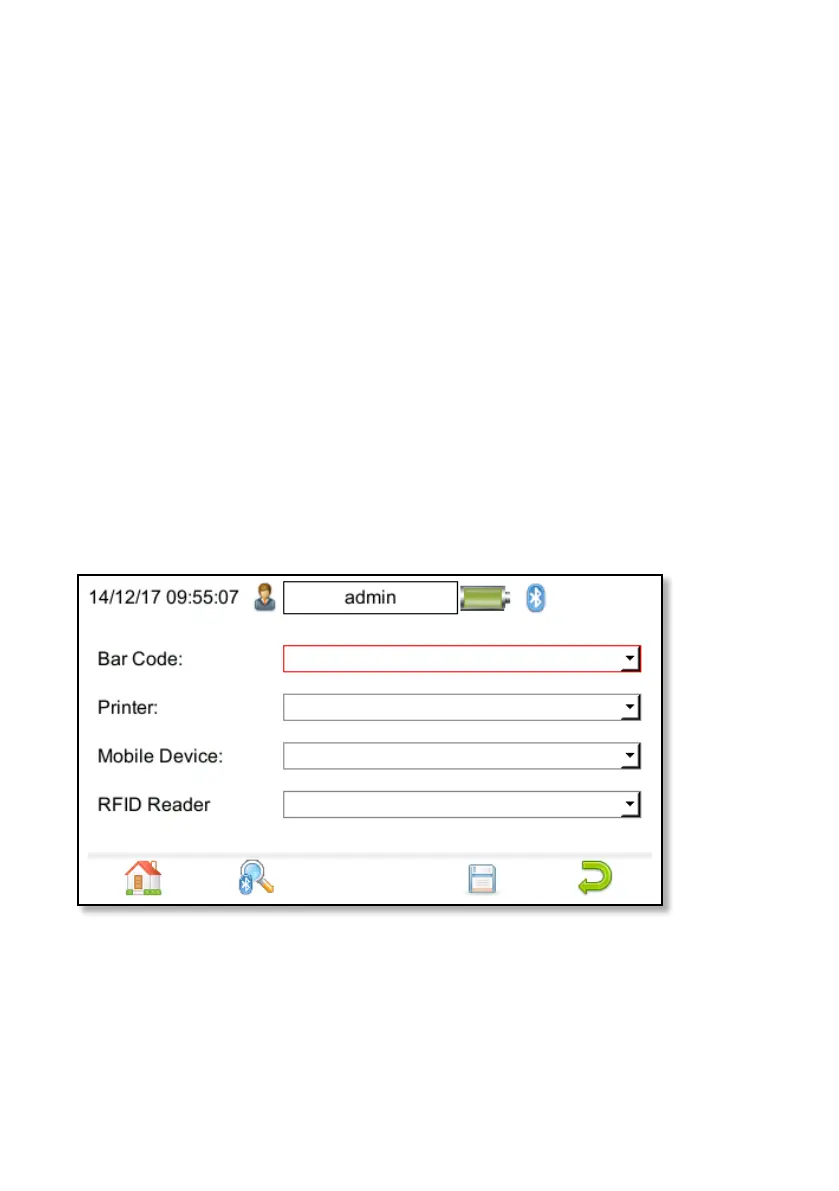
CONNECTING BLUETOOTH DEVICES
The instrument can be connected to Bluetooth accessories including barcode
scanners, printers, smart phones and RFID scanners.
1. From the Home screen press the
Menu key (F4) then press key
number 3 to open the Bluetooth
screen.
2. With the Bluetooth Device switched
on, press F2 to search for Bluetooth
devices. Bluetooth devices are listed
as they are found.
3. Select Bar Code field and choose
your scanner from the list using the
arrow keys.
4. Select Printer field and choose your
printer from the list using the arrow
keys.
5. Select Mobile Device field and
choose your device from the list
using the arrow keys.
6. Select RFID Reader field and choose
your device from the list using the
arrow keys.
7. Press F4 to save.


 To Next Page