34
… batt appears in the display?
– The rechargeable battery is so severely discharged that weighing is no longer possible.
Recharge the battery.
…
St0p appears in the display?
– Maximum load has been exceeded.
… the display flashes?
– If you have just activated the Hold or Tare function, please wait until the scale has de-
tected a steady weight value. The display will then stop flashing.
– If there has been no activation of a function beforehand, remove the load from the scale
and wait until
0.0 is displayed, then weigh again.
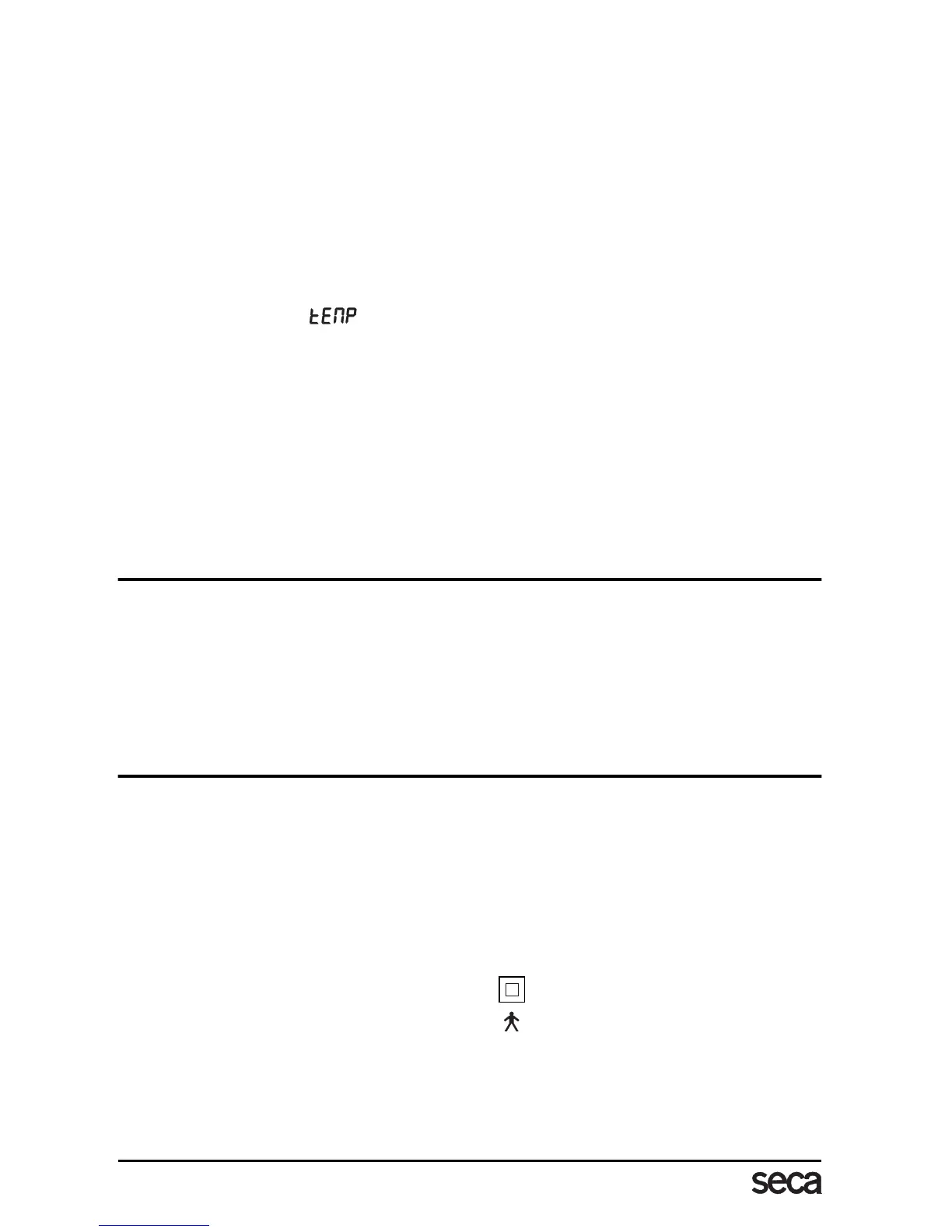
… the display shows ?
– The ambient temperature of the scale is too high or too low. Place the scale in an
ambient temperature between +10 °C and +40 °C. Wait about 15 minutes for the
scale to adapt to the ambient temperature and then weigh again.
… the display
E and a number appear?
– Switch off the scale with the Start key and start the scale again. The scale will then
work normally again.
If this is not the case, interrupt the power supply by briefly removing the rechargeable
battery. If this measure is equally unsuccessful, inform the Service department.
9. Maintenance
Your seca scale leaves the factory with an accuracy greater than ± 0.15 %. To ensure that
this accuracy is maintained, the product must be carefully set up and regularly maintained.
Depending on the frequency of use, we recommend servicing every 3 to 5 years. Please
ensure that a qualified service agent is used. If in doubt, contact seca Customer Service for
further information.
10. Technical data
Dimensions: (width, length, height) 750 x 750 x 1140 mm / 30 x 30 x 45 inch
Size of platform 600 x 600 mm / 23.6 x 23.6 inch
Height of platform 45 mm / 1.77 inch
Weight approx. 24 kg / 53 lbs
Temperature range +10 °C to +40 °C
EN 60 601-1:
insulated equipment, Protection Class II
medical electrical equipment type B
Accuracy greater than ± 0,15 %
Colour white/black
Maximum load 300 kg / 660 lbs / 47 sts



 To Next Page