22 •
17-10-07-602-002d_10-2019S
6.2 Disinfection
NOTICE!
Damage to device
The viewing windows of scales and displays are made of acrylic glass.
Acrylic glass windows can crack or become cloudy if unsuitable disin-
fectants are used on them.
► Only use disinfectants suitable for sensitive surfaces. Suitable disin-
fectants are available from specialist dealers.
1. Follow the instructions on the disinfectant.
2. Disinfect the device at regular intervals using a soft cloth dampened with a
suitable disinfectant.
3. Please take note of the following terms:
6.3 Sterilizing
This device may not be sterilised.
7. FUNCTION CHECK
► Perform a function check prior to each use.
A complete function check includes:
• visual inspection for mechanical damage
• checking the alignment of the device
• visual and function check of the display elements
• function check of all the controls shown in the section entitled “Overview”
• function check of optional accessories
If you notice any faults or deviations during the function check, first try to
resolve the error with the aid of the section entitled “What do I do if ...” in this
document.
CAUTION!
Personal injury
If you notice any faults or deviations during the function check which
cannot be resolved with the aid of the section entitled “What do I do
if ...” in this document, you may not use the device.
► Have the device repaired by seca service or by an authorized service
partner. Follow the section entitled “Servicing/verification” in this
document.
Interval Component
Prior to every
measurement with direct
skin contact
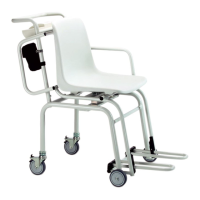
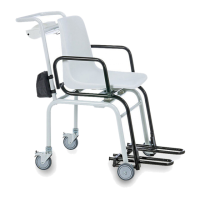
• Seat
• Armrests
• Footrests
After every measurement
with direct skin contact
• Seat
• Armrests
• Footrests
If required
• Display
• Membrane keyboard
• Push handle


 To Next Page