ST-HDoC / ST-HDoC-MM
32
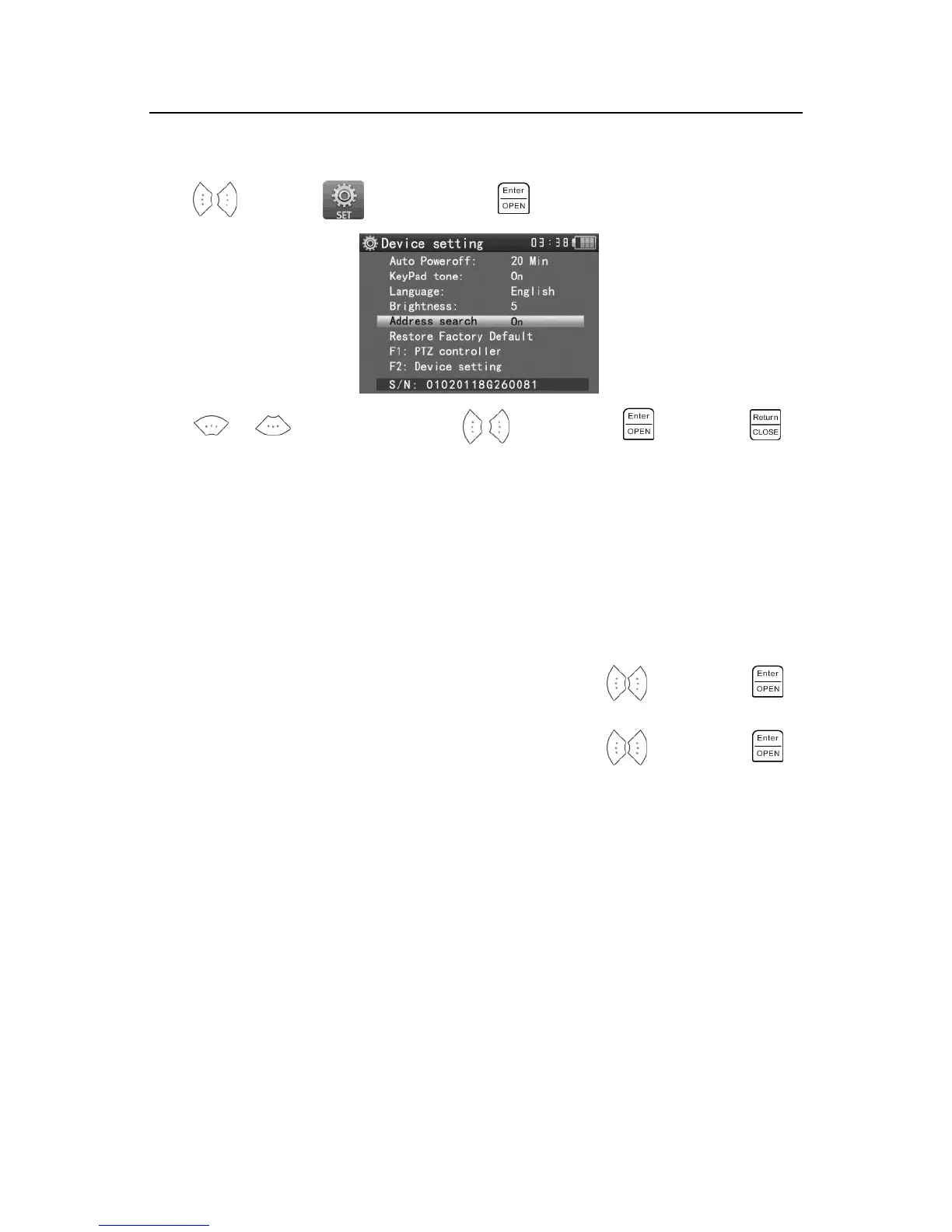
3.3.18 Device setting
Press to enter the menu, the press the key to enter.
Press or to choose the item, press to adjust, press to save, press
to quit.
Auto power off: You can set the meter to auto power off in 5, 10, or 60 minute intervals.
Keypad tone: You can enable or disable the audible beep when pressing keys.
Language: Select your desired language: English, Chinese, etc.
Brightness: Set the brightness of OSD menu and background. (0~7)
PTZ address search: Select off / on to add or remove the PTZ address search function.
Restore default data: Restore the device to factory defaults.
F1 user-defined shortcut key : You can set the function as you like, press to select, press
to save. The default F1 key is the “ PTZ controller”.
F2 user-defined shortcut key : You can set the function as you like, press to select, press
to save. The default is F2 key is the “Device setting”.



 To Next Page