Video Loss Alarm
Roll the mouse to enable video loss alarm
Roll the mouse to disable video loss alarm
Response Duration
Roll the mouse to adjust response duration.
Users can set post-recording time in this item. When alarm/motion is happened, the
post-recording time will be lasted for 1-255 seconds with an alarm or motion message
and beep sound. If a new alarm/motion is happened in the meanwhile, the
post-recording function will be on again for 1-255 seconds. Users can turn off the buzzer,
but the notification will still be showed on the screen.
Alarm Full Screen
Roll the mouse to enable alarm full screen.
Roll the mouse to disable alarm full screen.
Buzzer
Roll the mouse to turn on the buzzer.
Roll the mouse to turn off the buzzer.
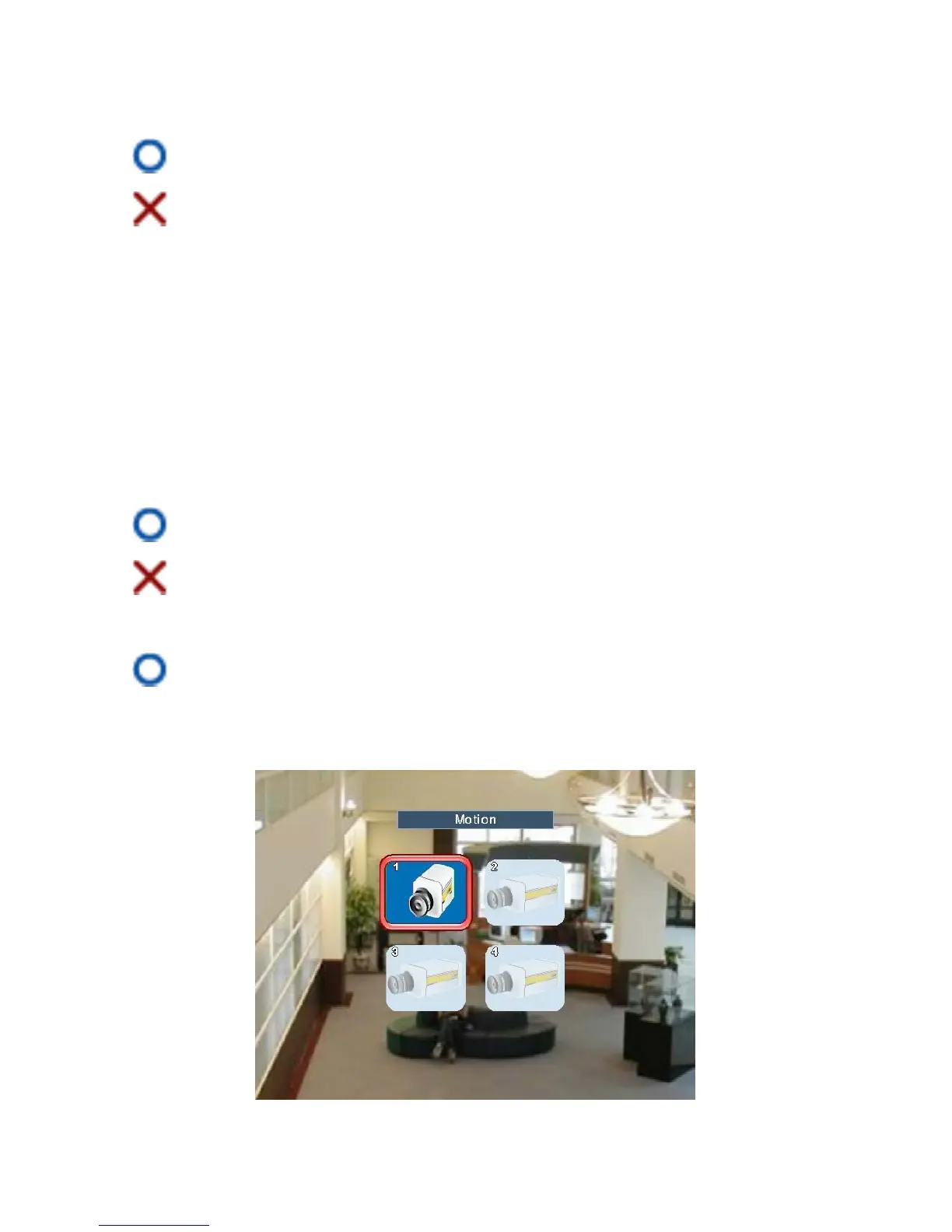
Motion
Page 30



 To Next Page