Network
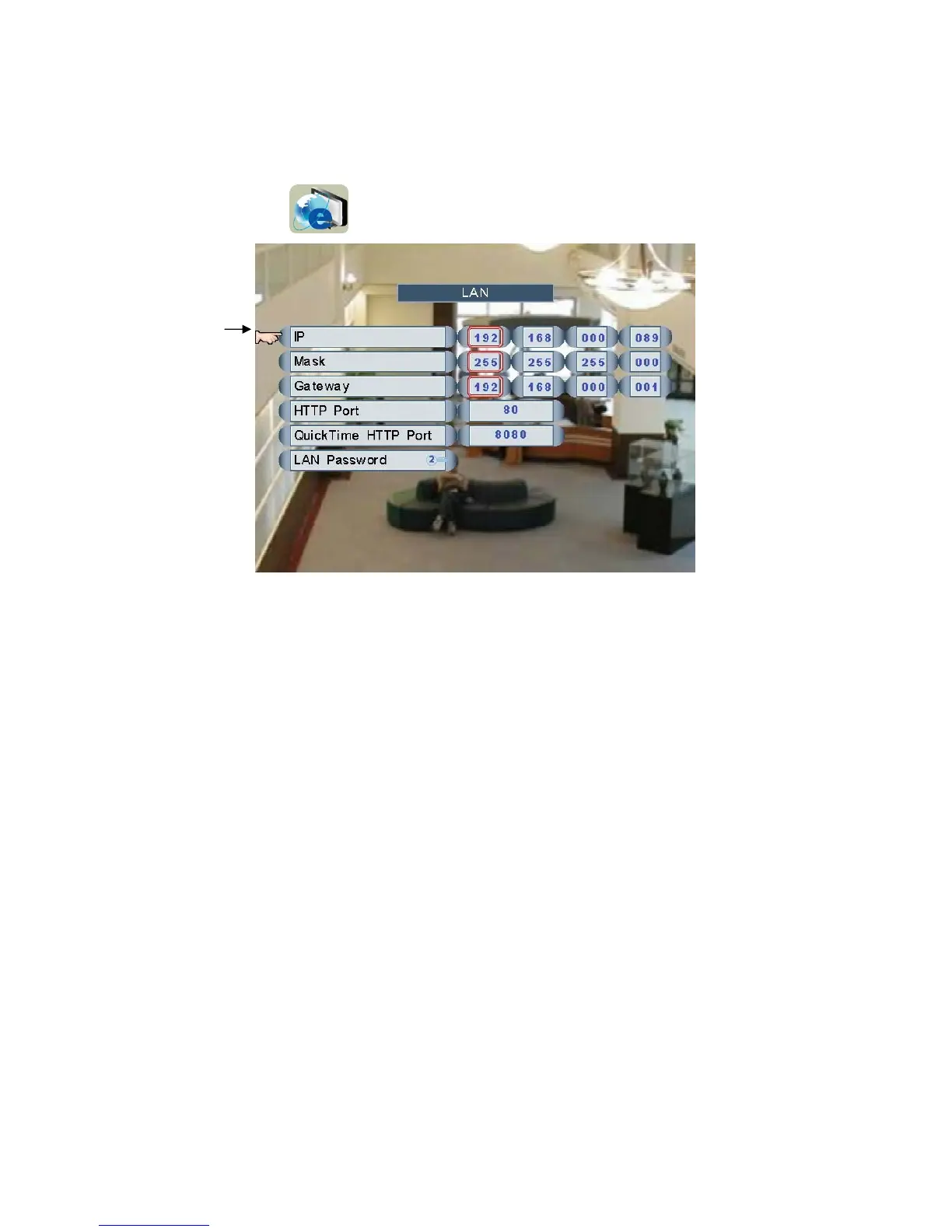
Main Menu Æ LAN
Click and roll the mouse to select one of the items and change the settings.
Left click the mouse to manager LAN Password.
IP
Roll the mouse to set the IP address
Mask
Roll the mouse to set the mask
Gateway
Roll the mouse to set the gateway
HTTP Port
Roll the mouse to set the http port
QuickTime HTTP Port
Roll the mouse to set QuickTime http port
LAN Password
Only the user “ID 2” is able to manage passwords for LAN users.
Page 36



 To Next Page