Cancel HDD format.
Format HDD.
NOTE: When a new HDD is installed, it will show a message “Unformatted HDD!” on the
is
tead, the DVR will remain the original record mode of the HDD, but users can
hange it as well.
The estimate of recording time will be more accurate after at least one day
cording.
l the recorded data including event list will be deleted after format
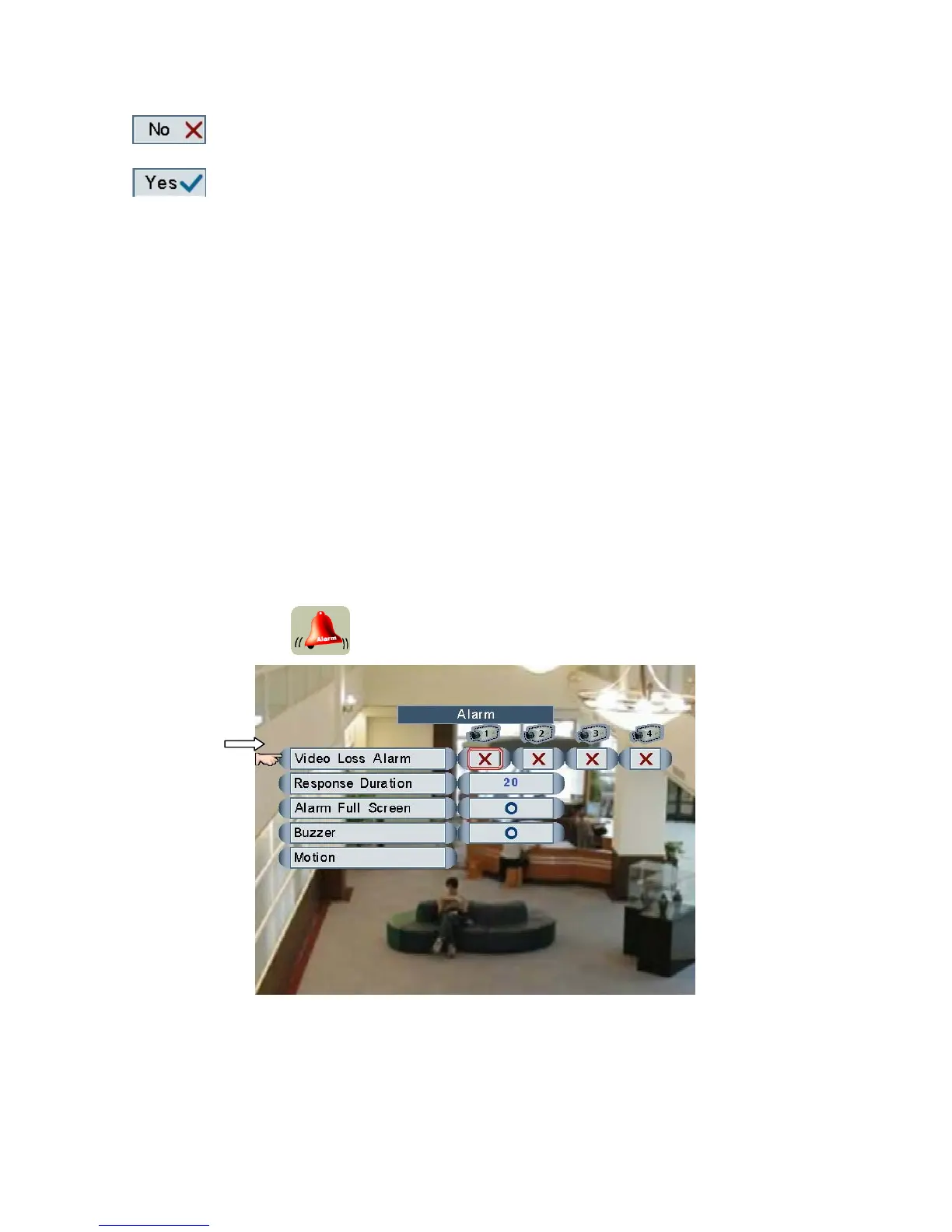
Alarm
Main Menu
screen, users can format HDD via this function, and set record mode. If an old HDD
installed ins
c
NOTE:
re
WARNING: Al
HDD.
Æ Alarm
Click and roll the mouse to select one of the items and change the settings.
Left click the mouse to enter Motion settings.
Page 29



 To Next Page