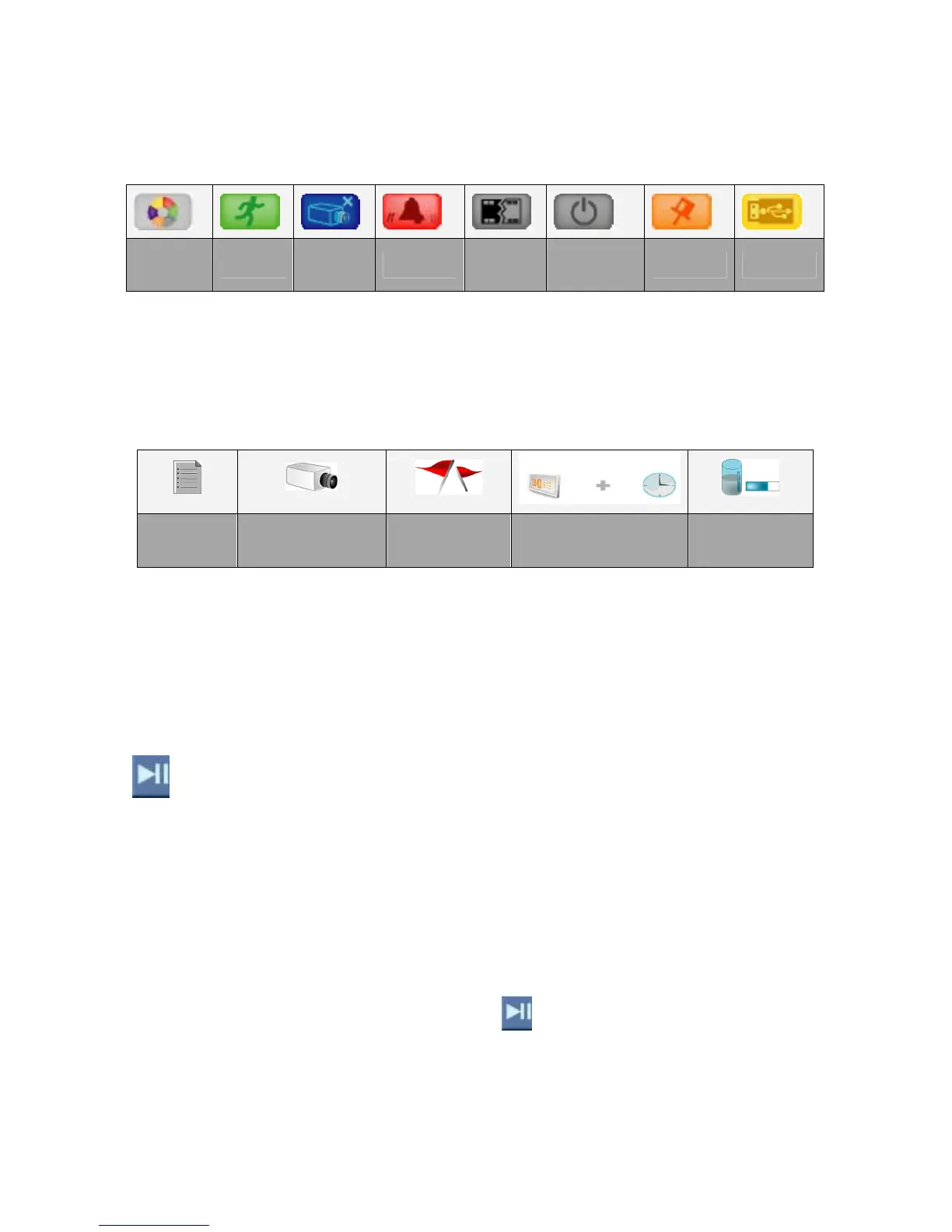
2. Event Filters: click the mouse on one of below icons to show specific events by
different event filters.
All
Filters
Motion
Video
Loss
Alarm
HDD
ON/OFF
Power
ON/OFF
Mark USB
The different colours of event filters enable users to search events simply. Meanwhile,
each event filter is come with an auxiliary search cursor in same colour, it is helpful to
show users what happened when they are playing the images. (Refer to Section 3.7
Playback).
Event Details
Event No. Camera ON/OFF Filter Data/Time
Event Source
HDD/USB
In the column of filter, it will show the filter icons in different colours, users can easily
search the events.
When the cursor is moved to one of the events, the background will be changed to the
beginning of the event.
Play Events
Left click the mouse on this button to play/pause the selected event.
Playback
Operation
In live mode, left click the mouse on the button
to enter playback mode.
Page 15



 To Next Page