If users set “Password Enable” as O, the DVR will request at least level 2 (ID: 2)
password to playback mode. Default: ID: 2, Password: 2222 (Refer to Section 4.2
Setup – DVR Password)
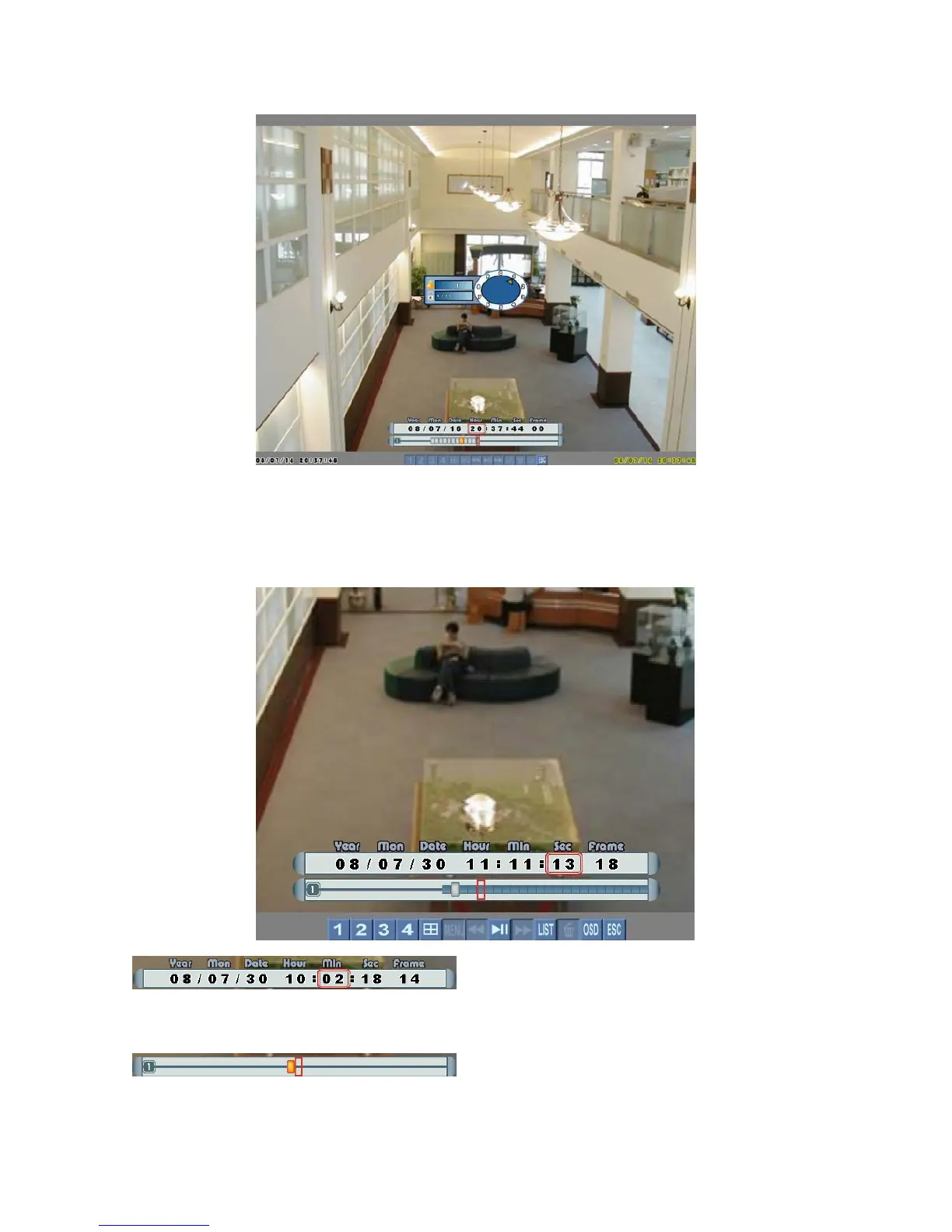
Left click the mouse on the numerals to select
date, hour, minute, second or frame and then adjust them by “rolling up or down” the
mouse.
Left click the mouse on this bar to mark the
import timing of video.
Page 16



 To Next Page