NOTE: Channel no. is shown on the left side of the bar.
Switch full screen display of the channel.
Switch quad screen display.
Play/pause the video.
Show event list.
Show/hide OSD.
Exit playback mode.
Playback
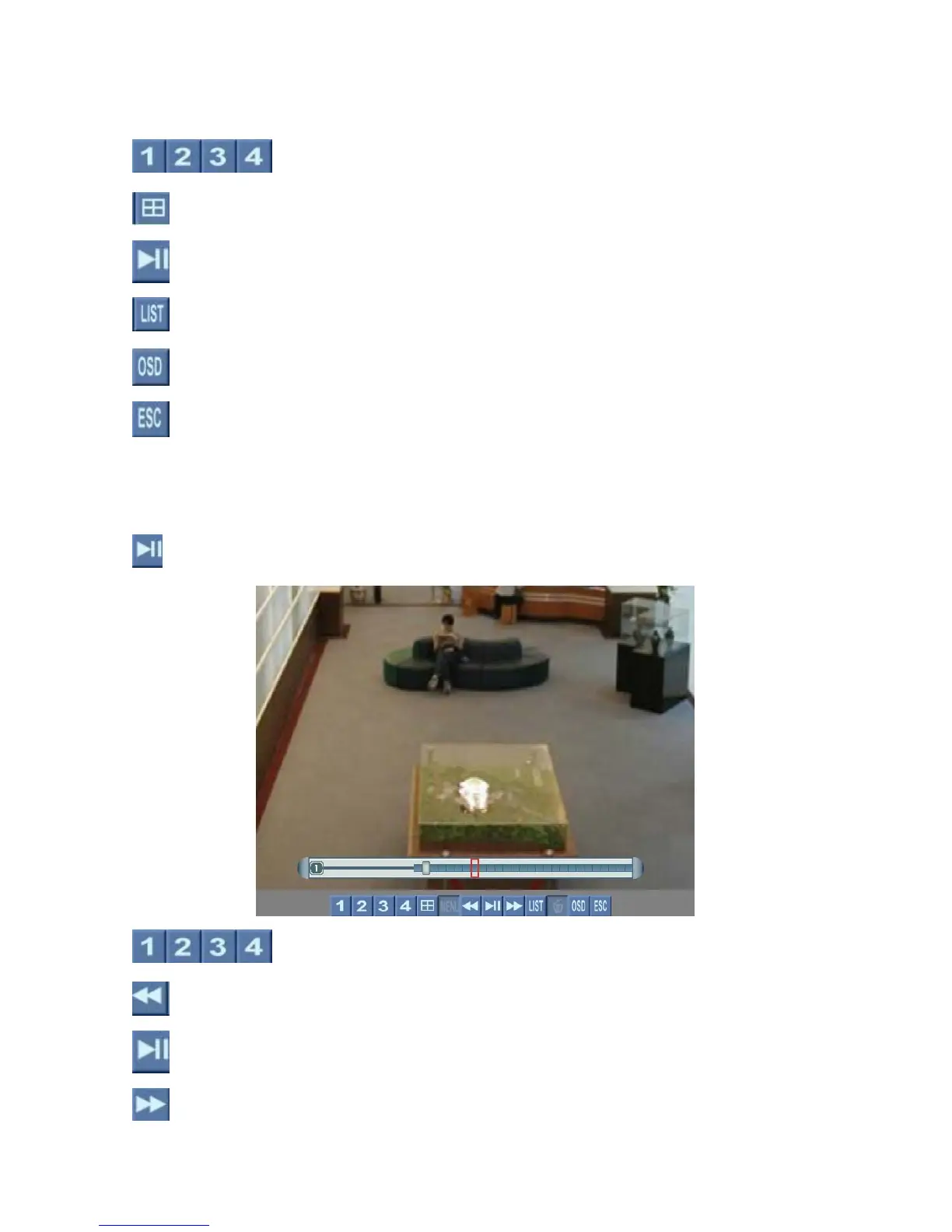
In playback mode, left click the mouse on this button to play/pause the video.
Switch full screen display of the channel.
Rewind x 1, 5, 15, 60
Play/pause the video.
Fast forward x 1, 5, 15, 60
Page 17



 To Next Page