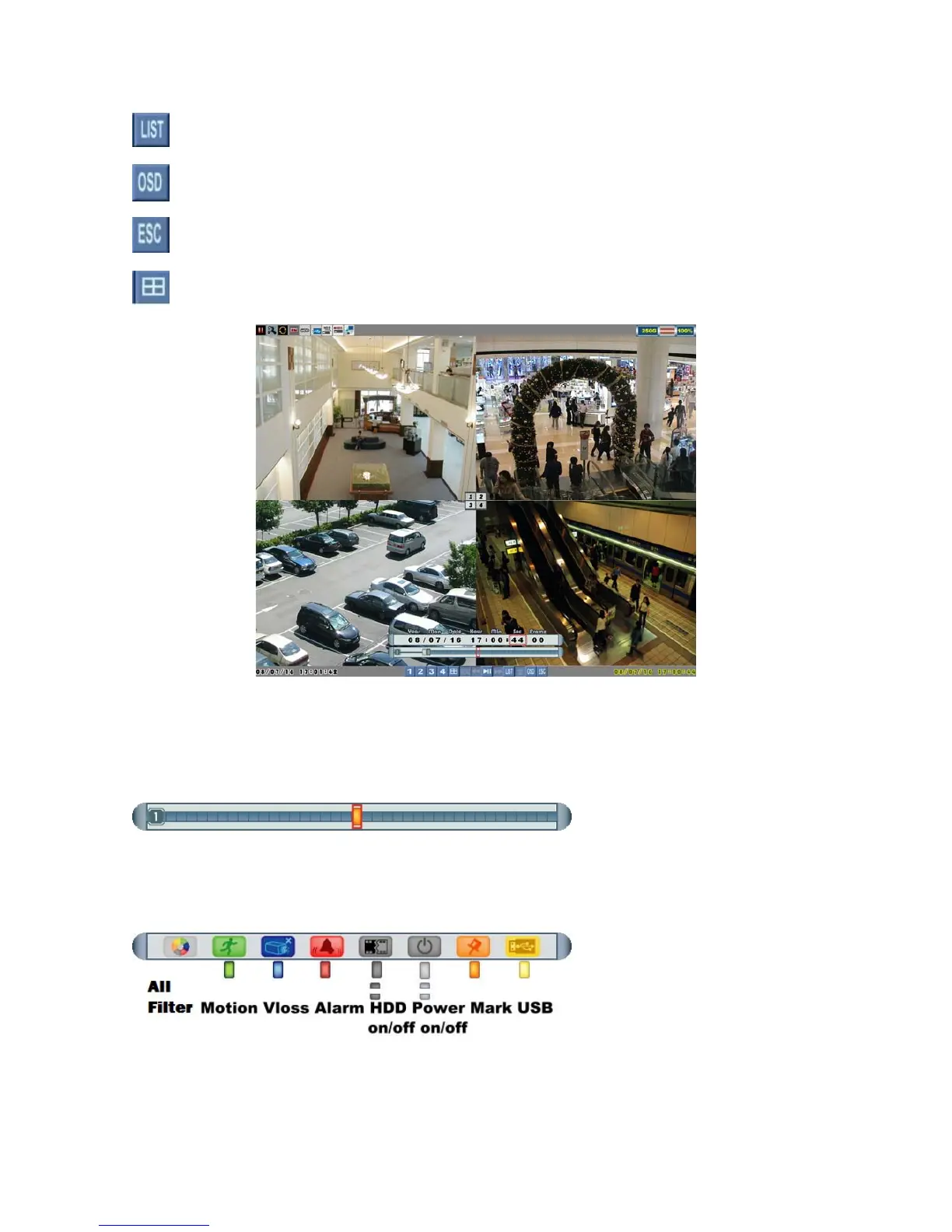
Show event list.
Show/hide OSD.
Exit playback mode.
Switch quad screen playback.
Playback Mark
Click the bar to mark the timing of important video when searching playback data, and
the orange cursor will be shown in the center of the bar.
Auxiliary Search Cursors:
This smart search design allows users to search data quicker and easier, meanwhile,
Page 18



 To Next Page