Message Window
In live mode, it will show current time, in playback mode, playback time will be shown
instead. If it shows [Disconnection], please click the button or press [F5] to refresh
the web page.
Live & Playback
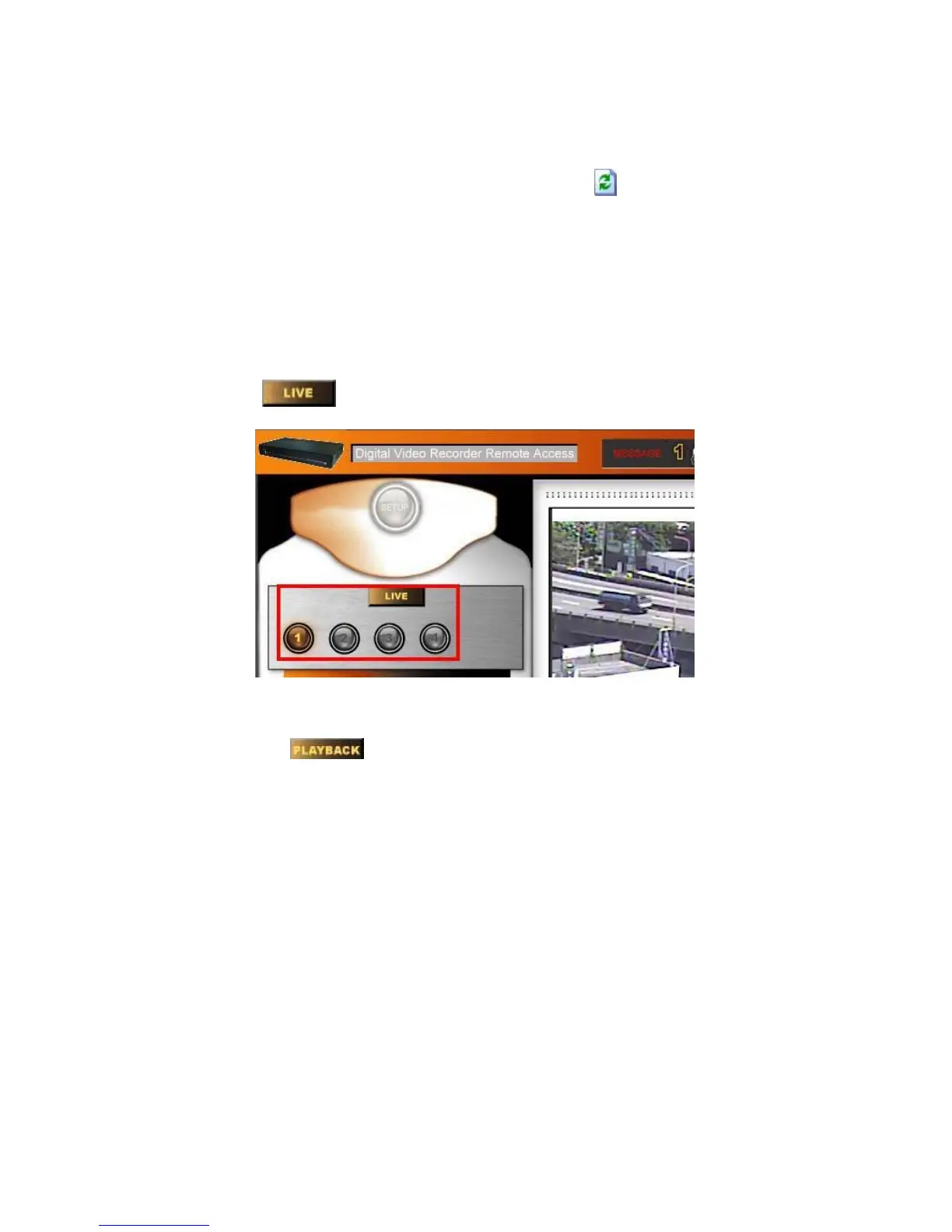
Live
Click the button
and choose one of the channels for remote live viewing.
NOTE: All users ID: 7, 8 and 9 are able to monitor live images remotely.
Playback
Click the button and choose one of the channels for playback viewing.
Page 44



 To Next Page