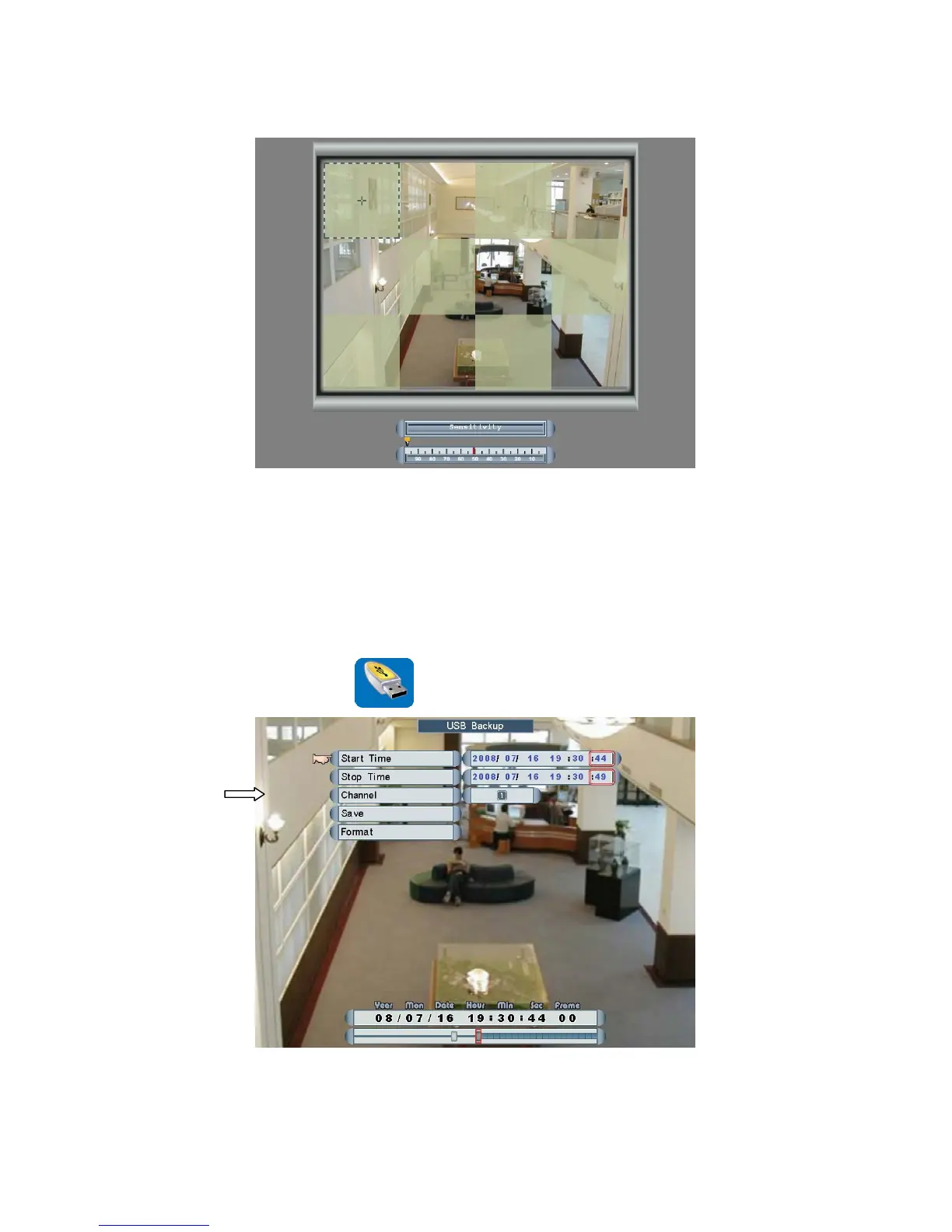
Left click the mouse the select one of the cameras.
Move and left click the mouse to set motion detection zones.
Roll the mouse to adjust the sensitivity of motion zones. The bigger the number, the
higher the sensitivity.
USB Backup
Main Menu Æ USB Backup
Click and roll the mouse to select one of the items and change the settings.
Left click the mouse to Save or Format USB Flash Drive
Page 31



 To Next Page