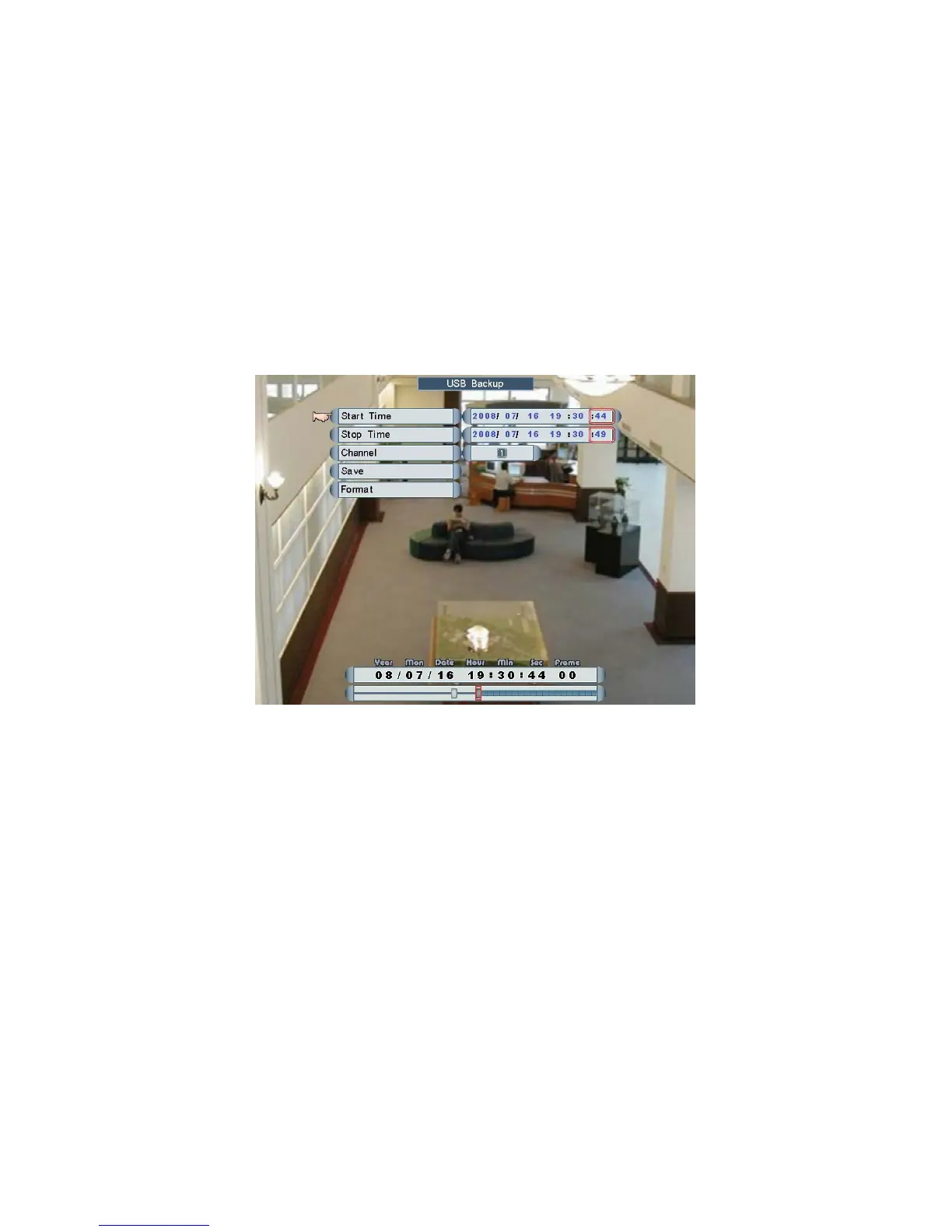
NOTE: Users will need to format the USB Flash Drive before using it for backup video or
upgrade OS.
Start Time
Roll the mouse to set the start time of data which is going to be saved to USB Flash
Drive.
Stop Time
Roll the mouse to set the stop time of data which is going to be saved to USB Flash
Drive.
NOTE: If there is data between the start and stop time, a data bar will be shown on the
bottom of screen.
NOTE: One USB Flash Drive can be saved maximum 16 files, up to 1 GB or 30 minutes
per file.
Channel
Roll the mouse to choose a channel which is going to be backup.
Save
1. Check USB Flash Drive
When a USB Flash Drive is inserted into the DVR, it will show “USB Check OK!” on the
screen. Format USB Flash Drive if the message shown.
Page 32



 To Next Page