NOTE: If users use more than two HDD's in turn, it is suggested to set the record mode
as “single-way recording” to prevent overwriting.
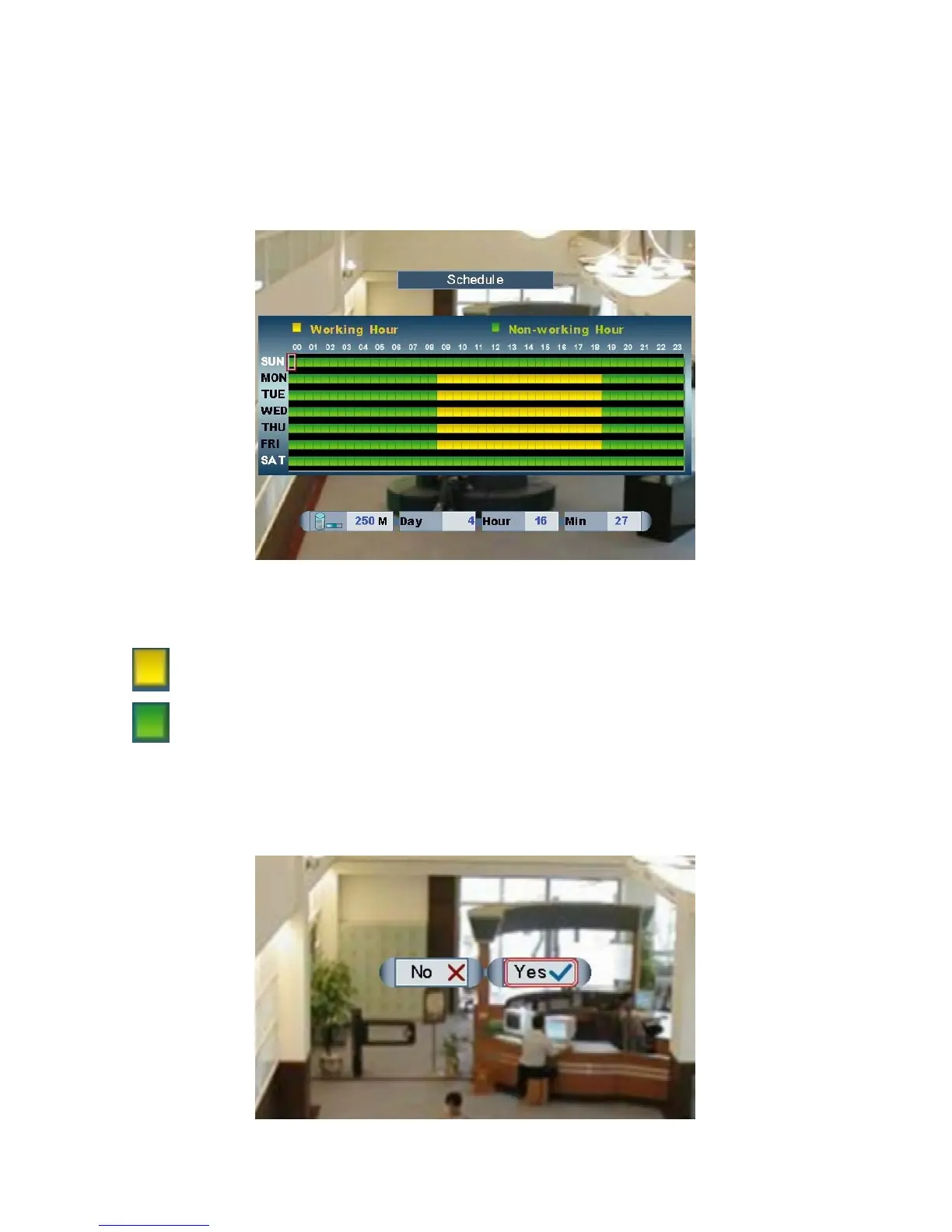
Schedule
Recording schedule is programmable for working & non-working hours.
Move and lef , roll the mouse to enlarge or narrow the
cursor
Left click the mouse twice to switch the zone from Working or Non-working Hours.
t click the mouse to move the cursor
.
Working Hours
Non-working
Hours
NOTE: The function of Alarm/Motion will not be conflicted by schedule.
Format HDD
Page 28



 To Next Page