NO WTE: orking and non-working hours are programmable by setting schedule.
event will still be recorded into the event list even Alarm/Motion Rate is set NOTE: The
as
Quality
Star 1 stands for the most basic image quality for the longest recording time, whereas
star 5 is for the best recording quality.
NOTE: The background channel, image quality and frame rate will be changed
immediately when users adjust the settings.
Audio
User e mouse to
enable/disable Audio function.
s can install audio devices in channel 1 and channel 2. Roll th
Enable audio function: Audio works both in live & playback.
Disabled audio function: Audio doesn’t work neither in live nor playback.
Rec
Roll the mouse to adjust the Record Mode..
ord Mode
No Recording: the DVR will NOT record.
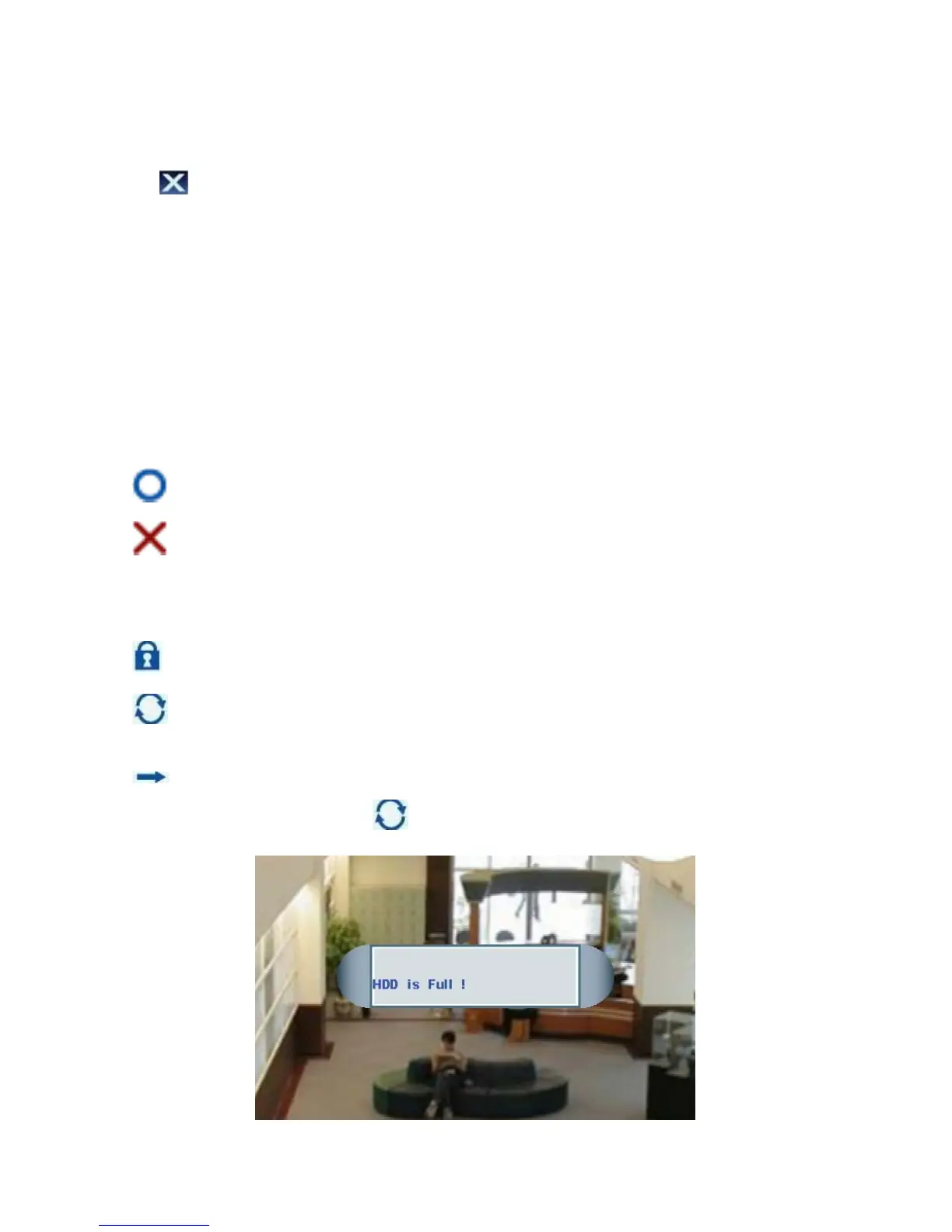
Continuing Recording: the HDD will be overwritten when it is full. HDD status bar
tinuewill show “100%”, but it will con recording.
Single-way Recording: the DVR will stop recording when the HDD is full until the
recording mode is changed to or format the HDD.
Page 27



 To Next Page