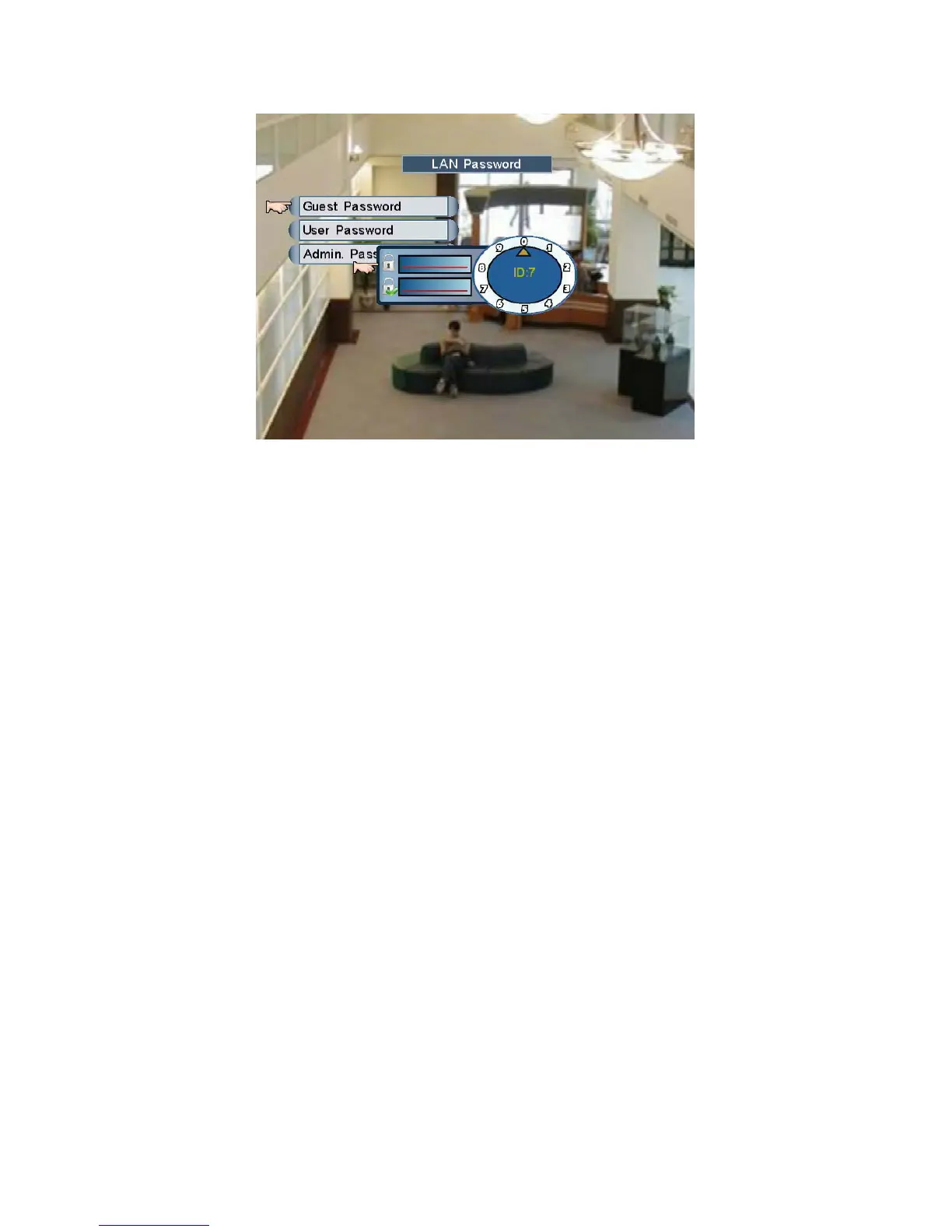
1. Guest Password (ID: 7): click the numerals in the circle to set Guest Password.
This is the lowest level, only remote “Live” viewing is available (default password: 1111)
2. User Password (ID: 8): click the numerals in the circle to set User Password.
This is normal level, remote “Live & Playback” viewing are available (default password:
2222)
3. Admin Password (ID: 9): click the numerals in the circle to set Admin Password.
This is the highest level, not only remote viewing, admin can also set IE parameters
including PPPoE and DDNS settings…etc. (default password: 3333)
NOTE: The DVR only provide 1 user to access images remotely at the same time.
Page 37



 To Next Page