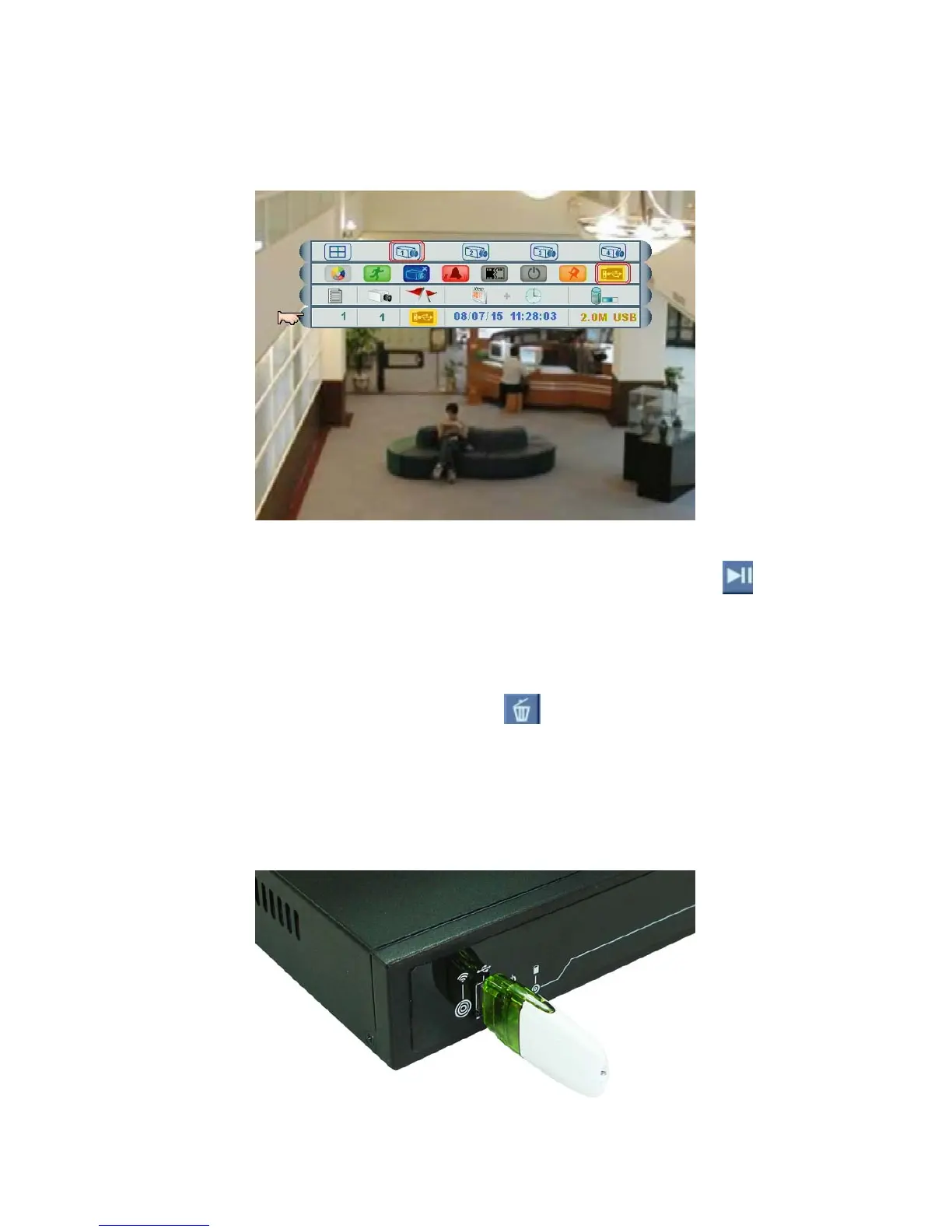
4. Check the backup file(s)
After backup is finished, users can check the event list to see if it is successful (refer to
Section 3.6 Event List).
5. Play the backup file(s)
In Event List, choose the backup file, and left click the mouse on the button to play
the images.
6. Delete the backup file(s)
In Event List, left click the mouse on the button
to delete the files from USB Flash
Drive.
Format
Format USB Flash Drive, firstly, users will need to insert a USB to the USB Port on the
front panel of the DVR.
Page 34



 To Next Page