3. Q: Can I take the HDD to play at the PC?
A: NO! The format setting is different and it cannot be recognized thru PC.
USB Flash Drive Questions:
4. Q: Why can’t I play the “.mov” file when I backup the data in the USB Flash Drive?
A: The problem might occur when using the unsuitable display software. Please use the
Quick Time Player to display the “.mov” file.
Display Questions:
5. Q: Why the monitor screen is showing the twisted images and the colour is not right?
ferent NTSC/PAL system accessories
em.
A: The problem might occur when there are two dif
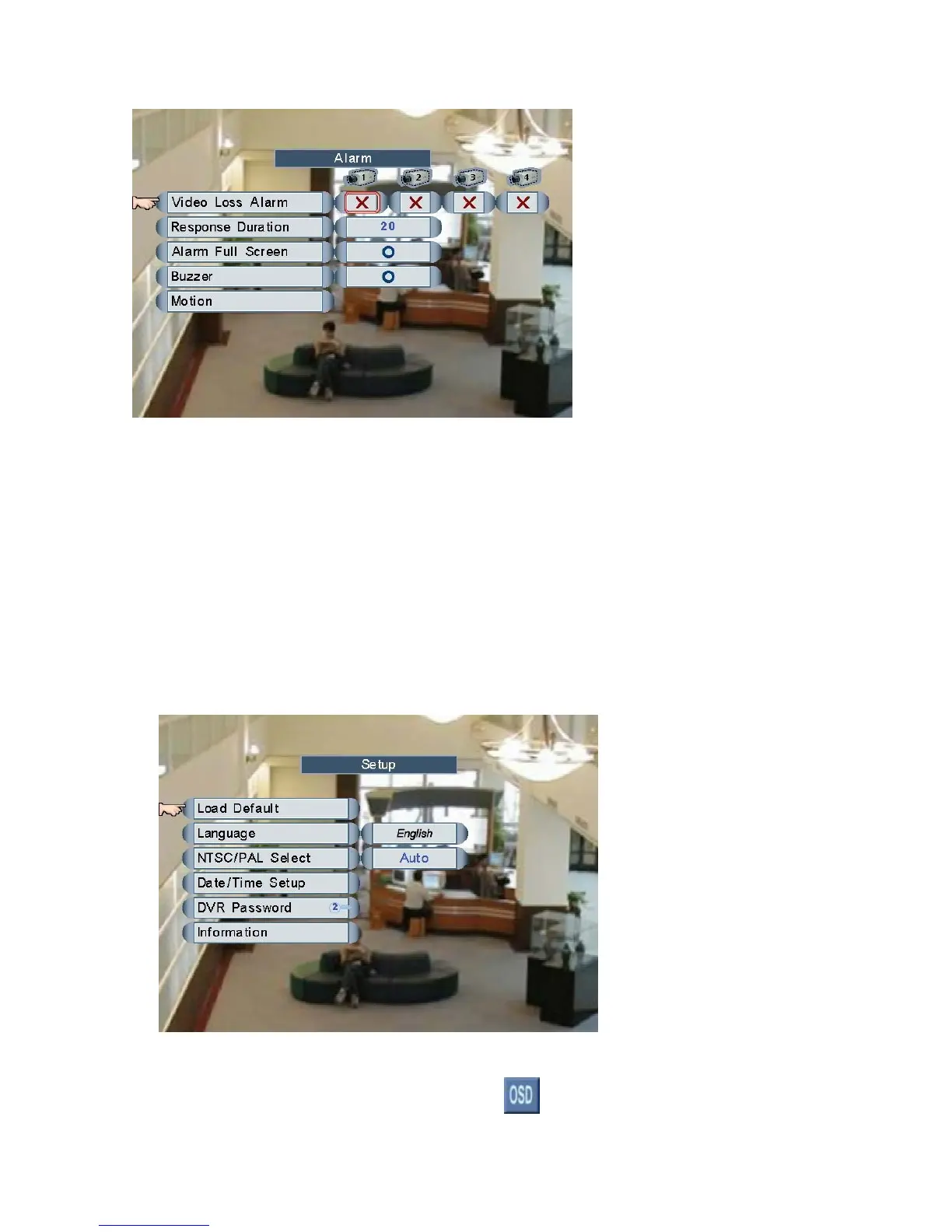
being used. Please check the SET UP setting and then select the appropriated syst
6. Q: Why there is no any icon on the display s
A: Please left click the mouse on the button
creen?
of the DVR Tool Bar to show the
Page 61



 To Next Page