PROJECTOR
63
10
PROJECTOR
10
The projector is adjusted prior to leaving the factory. Avoid any unnecessary
adjustment.
● If the adjustment method in this manual does not resolve the problem contact
the customer service number in this manual or your supplier.
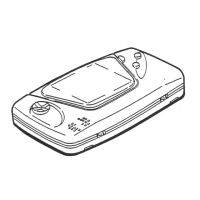
● If adjustment to the PTV is necessary, direct the remote control’s light emitting
portion towards the PTV screen.
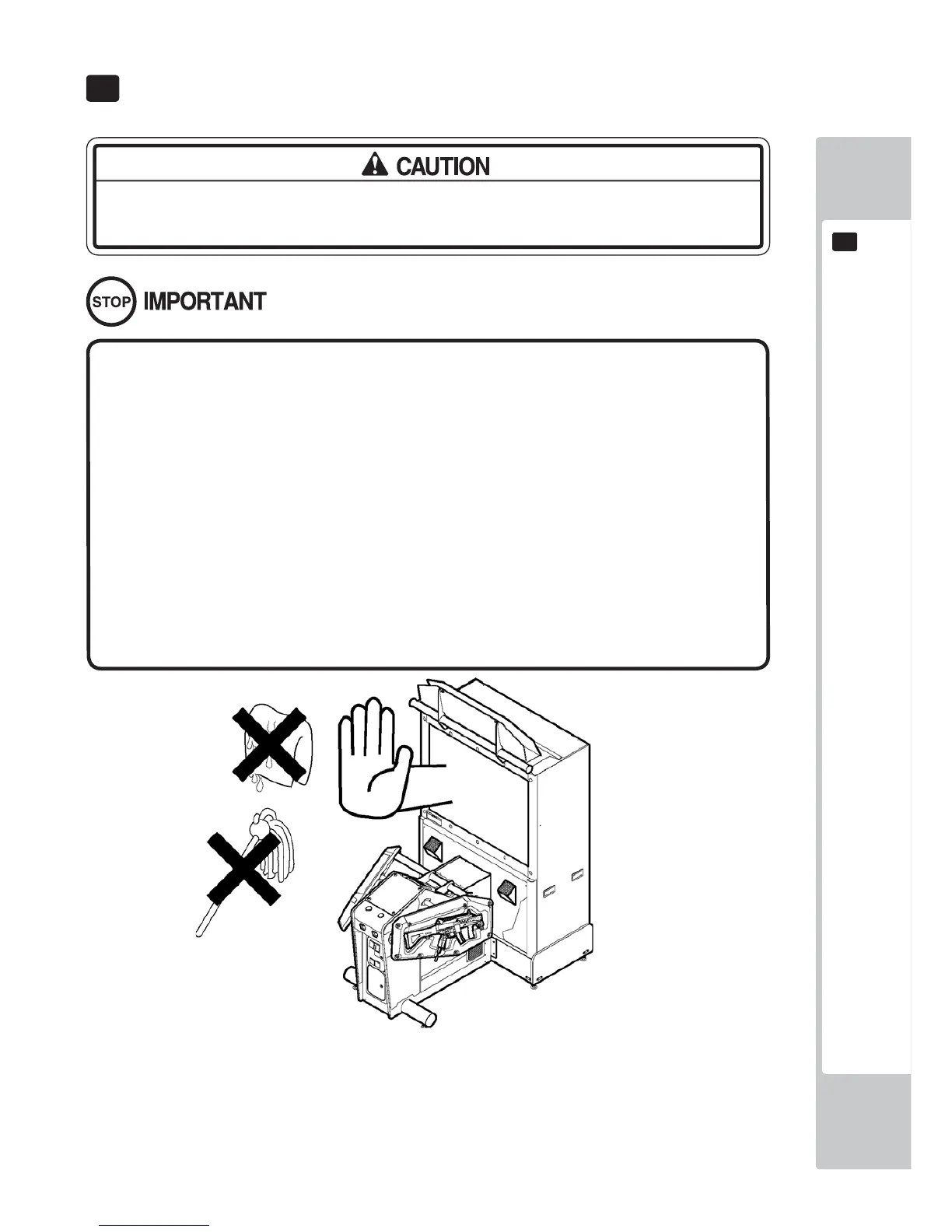
● Do not stick tape, stickers or anything else onto the screen. Any kind of adhe-
sive may damage the surface of the screen.
● Since the Projector screen is susceptible to damage, pay careful attention to its
handling. When cleaning, refrain from uing water or volatile chemicals.
● When the screen surface becomes dirty with dust, etc., clean it by using a soft
cloth suh as a gauze. When water, and volatile chemicals such as benzene, thin-
ner, etc., spill on the sceen surface it may be susceptible to damage, refrain from
rubbing them with a hard material or from using a duster.
FIG. 10-1



 To Next Page