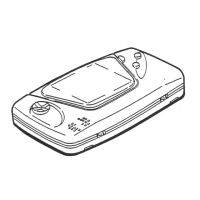
CONTROL UNIT
77
11
11-2 REPLACING THE SENSOR UNIT
1
Follow the instructions 1 to 3 of “Replacing the Microswitch” to remove the Cover L.
2
Remove the connector to replace the sensor unit.
FIG. 11-2a
3
Refer to the previous item, then attach Cover R while being careful of each of the parts.
4
After replacement, perform a GUN ADJUSTMENT, referring to the instructions in “Game Test Mode”



 To Next Page