40
EXPLANATION OF TEST AND DATA DISPLAY
9
Ifanerrorisdisplayedduringtheinputtest,lookuptheerrorcodewithinthis
manualandtrytodeterminethecauseoftheerror,andtaketheappropriate
correctivemeasures.Ifproblemscontinue,contactyourlocalSEGAofcefor
furtheradvise.
9-2-3 INPUT TEST MODE
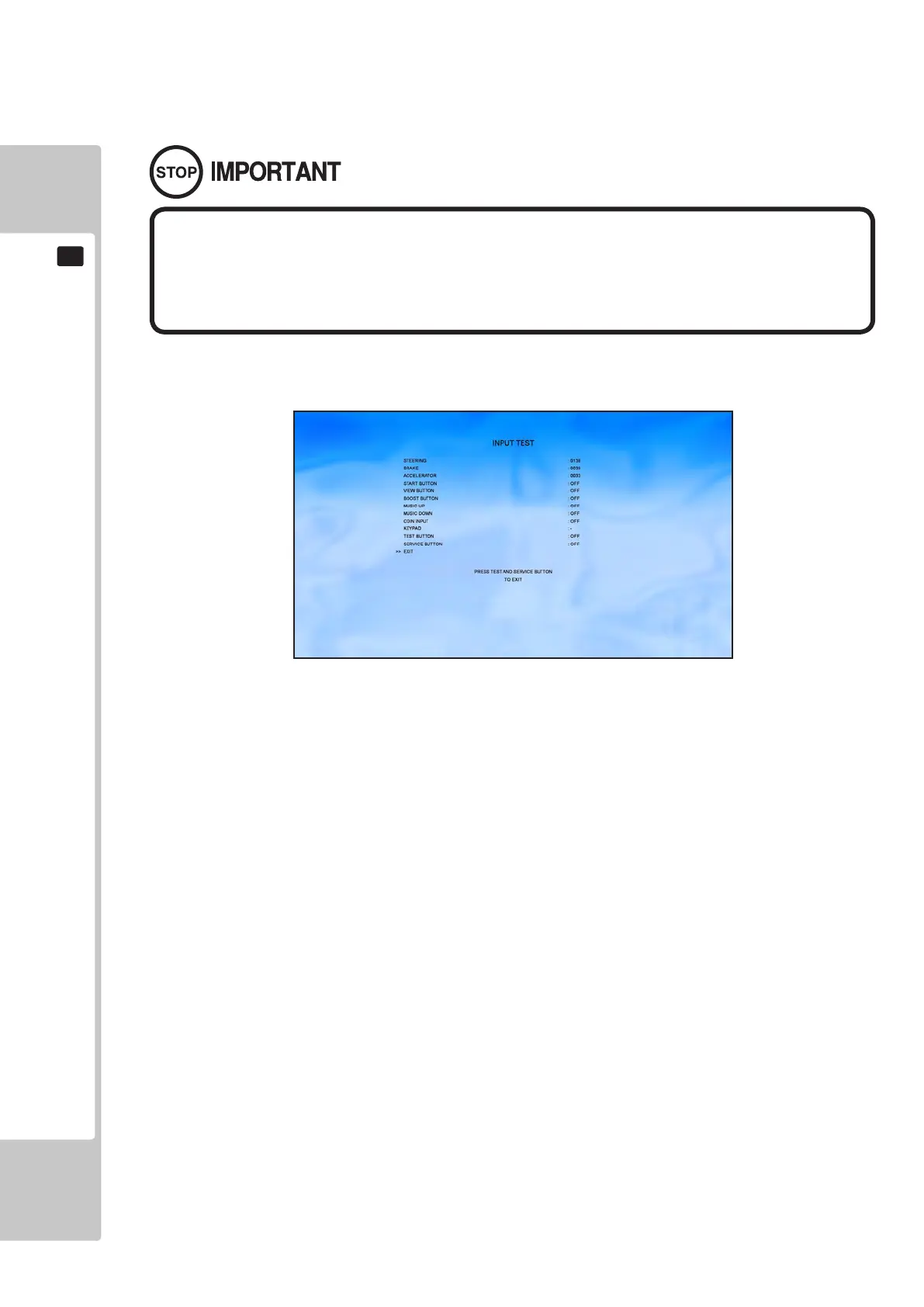
Select ‘Input Test’ from the Test Menu to display the Input Test menu.
This menu is used to test the System Inputs such as Steering, Pedals and Buttons. To implement the test, press each
device that is listed and check the results on screen.
STEERING 0000 to 0255
BRAKE 0000 to 0255
ACCELERATOR 0000 to 0255
START BUTTON ON/OFF
VIEW BUTTON ON/OFF
BOOST BUTTON ON/OFF
MUSIC UP ON/OFF
MUSIC DOWN ON/OFF
COIN INPUT ON/OFF
KEYPAD 0-9, *, #
TEST BUTTON ON/OFF
SERVICE BUTTON ON/OFF
Press the TEST and SERVICE button together to return to the Test Menu screen.
To Purchase This Item, Please Visit : BMIGaming.com | Call Global Sales : + 561.391.7200 | USA / CA : (800) 746-2255












 To Next Page