EXPLANATION OF TEST AND DATA DISPLAY
41
9
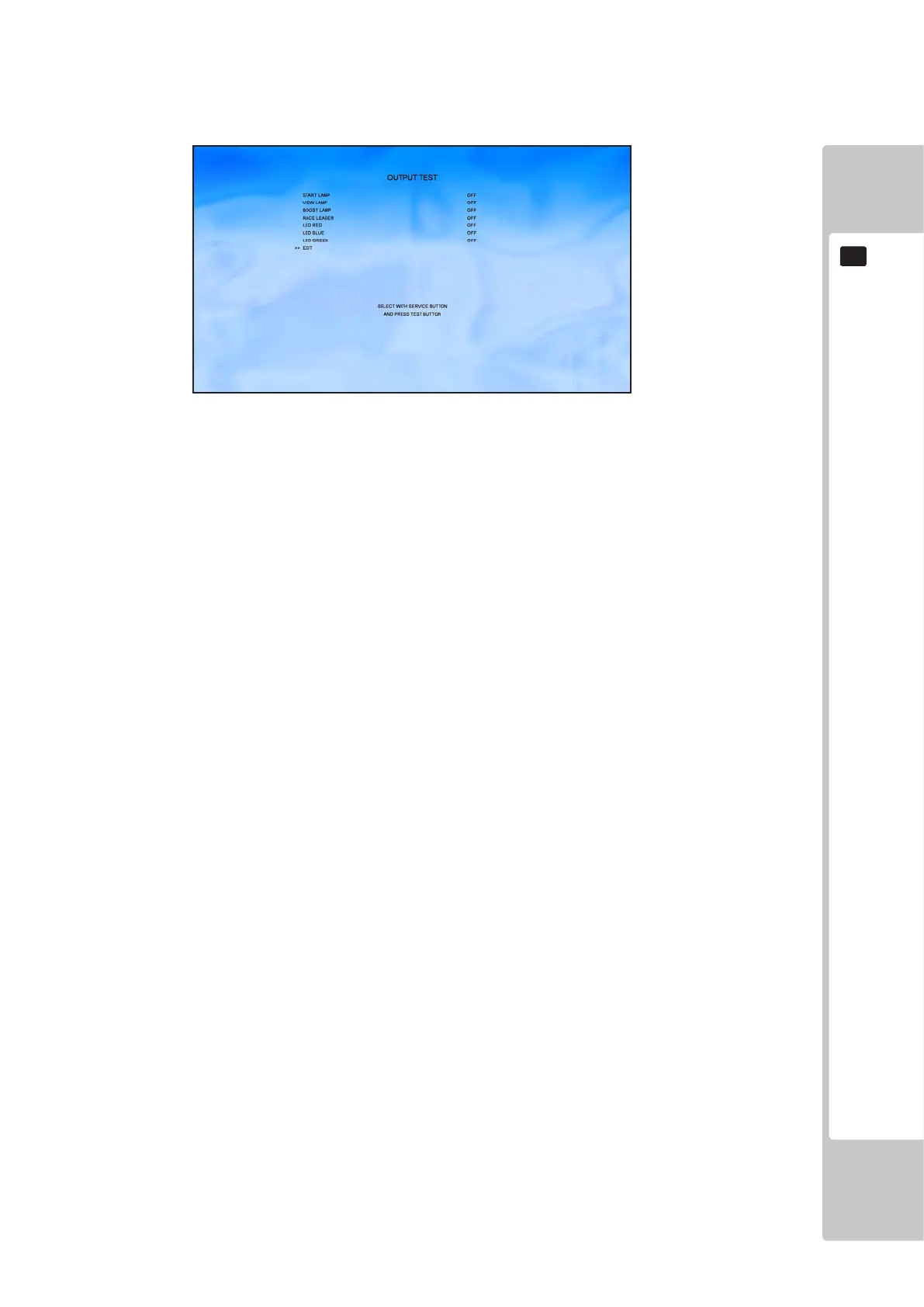
9-2-4 OUTPUT TEST
Select ‘OUTPUT TEST’ from the Game Test Menu to display the Output Test Menu.
This test is used to check all congured outputs from the IO board.
Use the SERVICE button to move the cursor to the desired test item.
Press the TEST button to test the selected item.
START LAMP ON= Lamp ON / OFF=Lamp OFF
VIEW LAMP ON= Lamp ON / OFF=Lamp OFF
BOOST LAMP ON= Lamp ON / OFF=Lamp OFF
RACE LEADER ON= Lamp ON / OFF=Lamp OFF
LED RED Change optional lighting to RED
LED BLUE Change optional lighting to BLUE
LED GREEN Change optional lighting to GREEN
Please note that turning on more than LED will change the colour accordingly:
RED and GREEN Panel will be YELLOW
RED and BLUE Panel will be MAGENTA
GREEN and BLUE Panel will be CYAN
RED, GREEN and BLUE Panel will be WHITE
EXIT This will turn all lamps and LED’s off
Move the cursor to EXIT and press the TEST button to return to the Test Menu screen.
To Purchase This Item, Please Visit : BMIGaming.com | Call Global Sales : + 561.391.7200 | USA / CA : (800) 746-2255












 To Next Page