42
EXPLANATION OF TEST AND DATA DISPLAY
9
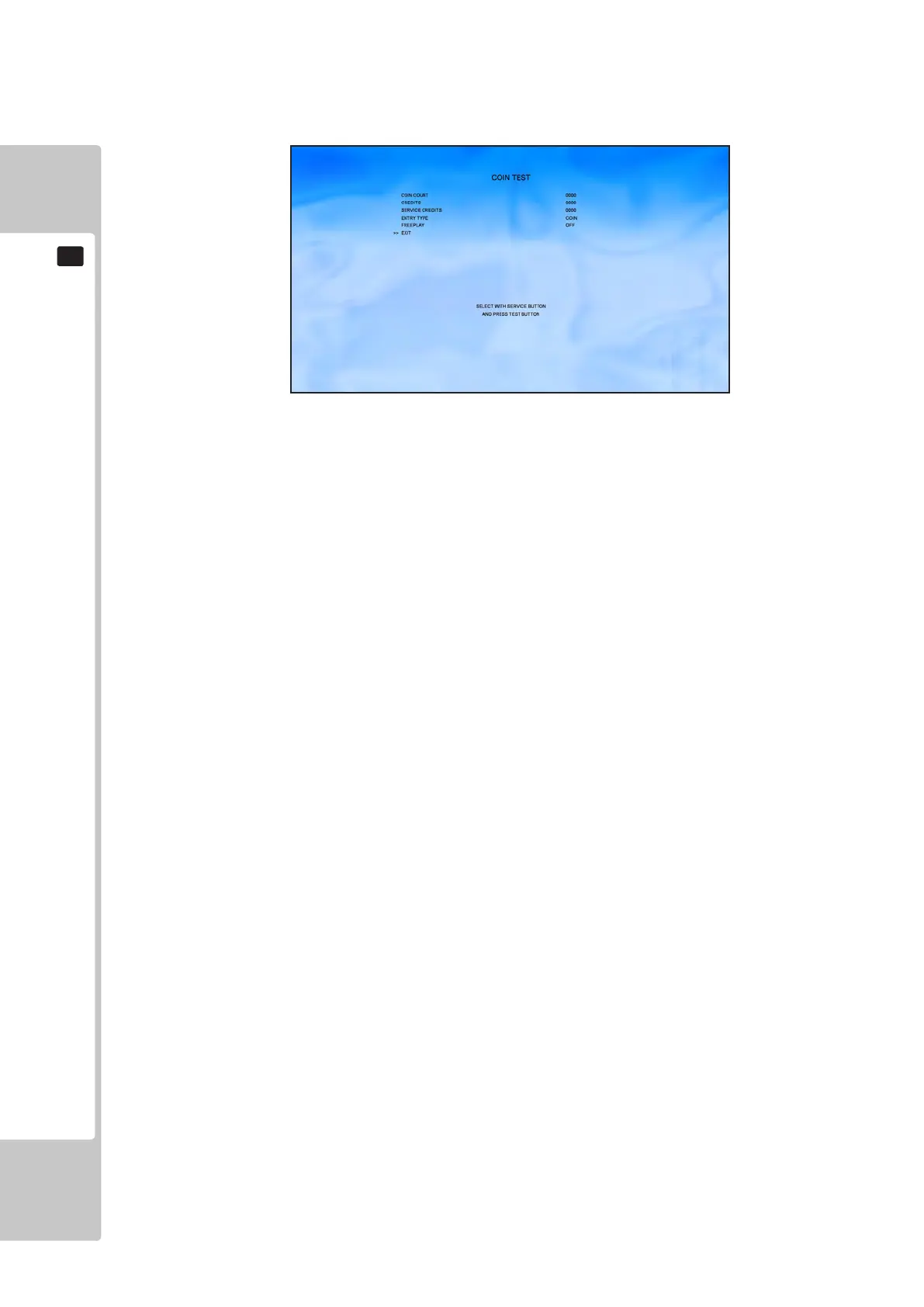
9-2-5 COIN TEST
Select ‘Coin Settings’ from the Test Menu to display the Coin Settings Menu.
Use the SERVICE button to move the cursor to the desired test item.
Press the TEST button to change the selected item.
This test displays the accumulative coins and credits values. Freeplay can be turned on/off.
COIN COUNT Coin Count value from IO board (cannot reset)
CREDITS Total number of Coin credits added to the system
SERVICE CREDITS Total number of Service Credits added to the system
Use the SERVICE button to move the cursor to the desired test item.
Press the TEST button to test the selected item.
ENTRY TYPE COIN or CARD SWIPE
FREEPLAY ON – Freeplay is on, pressing the Start button during attract sequence will
issue a credit.
OFF – Credits can only be added using coins or service button.
EXIT This will save any changes to Freeplay to this cabinet only
To Purchase This Item, Please Visit : BMIGaming.com | Call Global Sales : + 561.391.7200 | USA / CA : (800) 746-2255












 To Next Page