EXPLANATION OF TEST AND DATA DISPLAY
43
9
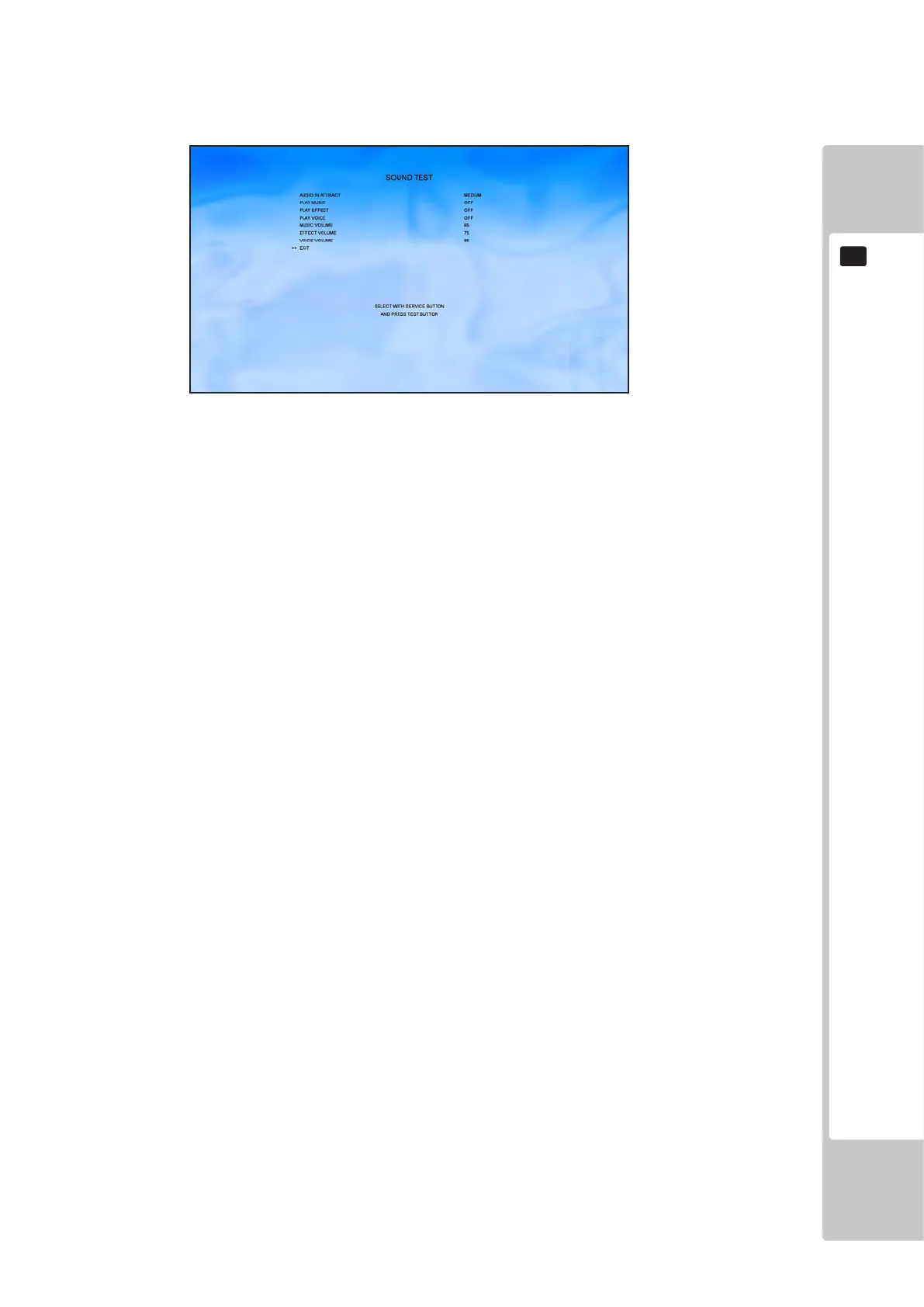
9-2-6 SOUND TEST
Select ‘Sound Settings’ from the Test Menu to display the Sound Settings Menu.
This test is used to set the audio levels for the game and test the function of the speakers.
This test is used to test the function of the speakers and set audio levels for the Game.
Use the SERVICE button to move the cursor to the desired test item.
Press the TEST button to test the selected item.
AUDIO IN ATTRACT OFF – No music played during attract
Other options are: LOW, MEDIUM and HIGH
PLAY MUSIC ON - Test the sound level of the music in game
OFF – Turn the test music off
PLAY EFFECT ON – Test the sound level of effects in game
OFF – Turn the test music off
PLAY VOICE ON – Test the sound level of voice in game
OFF – Turn the test music off
MUSIC VOLUME Change the volume of music in game 0-100 (increments of 10)
Default value is 30
EFFECTS VOLUME Change the volume of effects in game 0-100 (increments of 10)
Default value is 30
VOICE VOLUME Change the volume of voice in game 0-100 (increments of 10)
Default value is 30
EXIT This will save any changes to game volumes
Move the cursor to EXIT and press the TEST button to return to the Test Menu screen.
To Purchase This Item, Please Visit : BMIGaming.com | Call Global Sales : + 561.391.7200 | USA / CA : (800) 746-2255











 To Next Page