44
EXPLANATION OF TEST AND DATA DISPLAY
9
9-2-7 SCREEN TEST
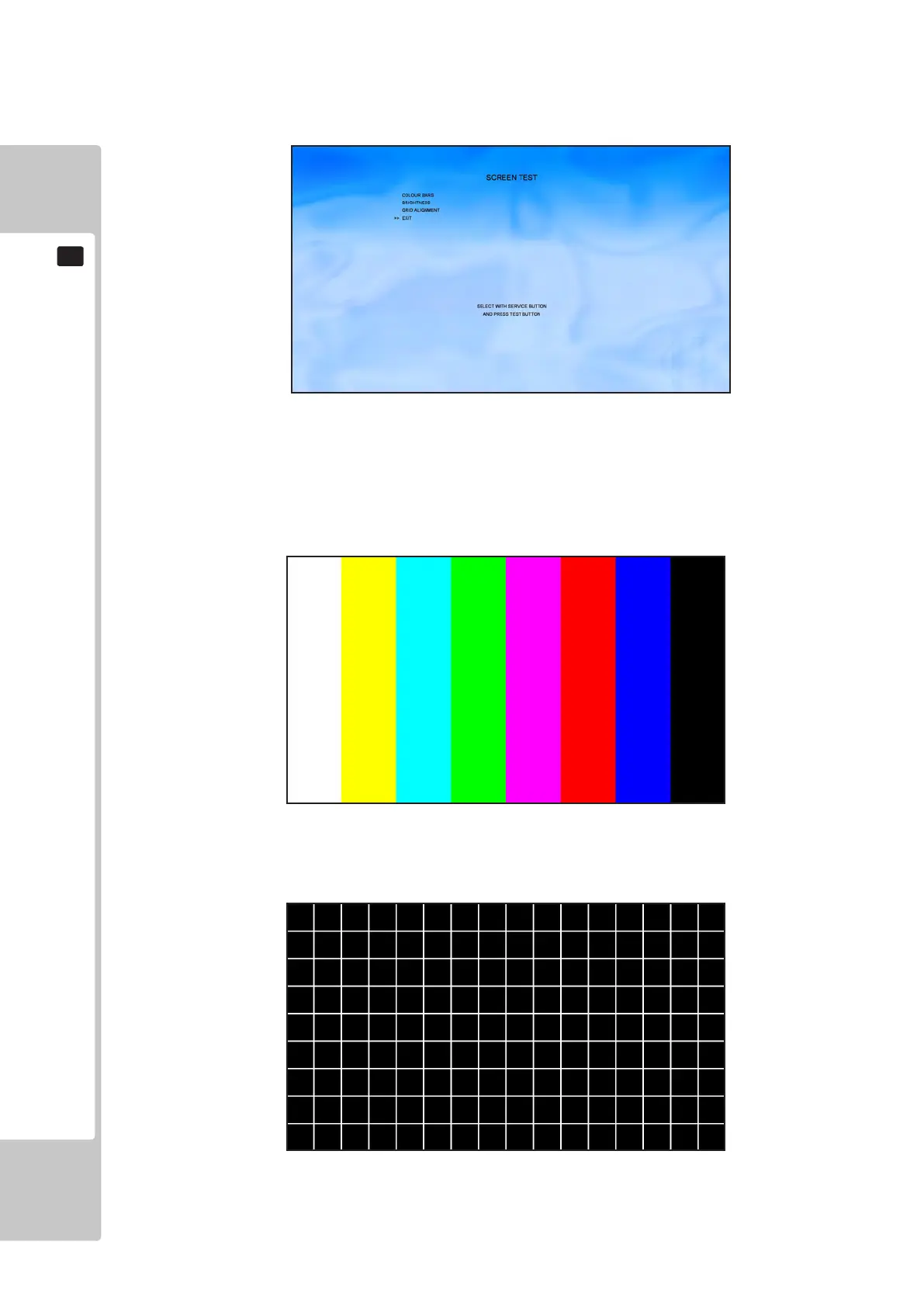
Select ‘Screen Test’ from the Test Menu screen to display the Screen Test menu.
Use the SERVICE button to move the cursor to the desired test item.
Press the TEST button to enter the selected item.
COLOUR BARS – Selecting this test will display the following:
GRID ALIGNMENT – Selecting this test will display the following:
Move the cursor to EXIT and press the TEST button to return to the Test Menu screen.
To Purchase This Item, Please Visit : BMIGaming.com | Call Global Sales : + 561.391.7200 | USA / CA : (800) 746-2255











 To Next Page