5 [en] Manual
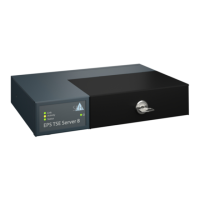
LED Display
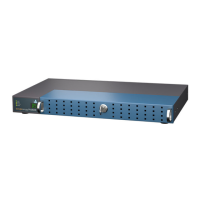
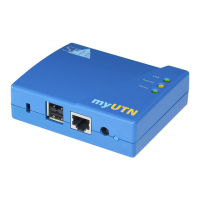
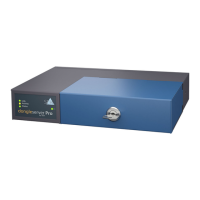
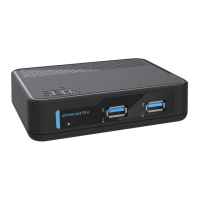
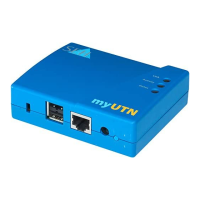
The Fiscal Server LEDs provide status information.
Important:
If the network connection is interrupted for more than
13 minutes, the EPS TSE Server 8 switches to standby
mode.
As soon as the network connection is re-established, the
EPS TSE Server 8 switches back to active operation.
LED Action Color Description
Power permanently off
permanently on
–
green
The Fiscal Server is not connected to a
power supply.
The Fiscal Server is connected to a
power supply.
(Operation or standby mode)
Link permanently off
permanently on
–
green
There is no connection to the network.
There is a connection to the
network.
Activity blinks at
irregular
intervals
yellow Indicates the exchange of data
packets.
Status permanently off
blinks 3 times
blinks 2 times
–
green
green
If the activity LED blinks periodically at
the same time, the BIOS mode is
signalized.
Indicates a Zeroconf IP address.
Indicates an IP address from outside
the Zeroconf range.


 To Next Page