13 [en] Manual
Administration from the EPS TSE Server Control Center
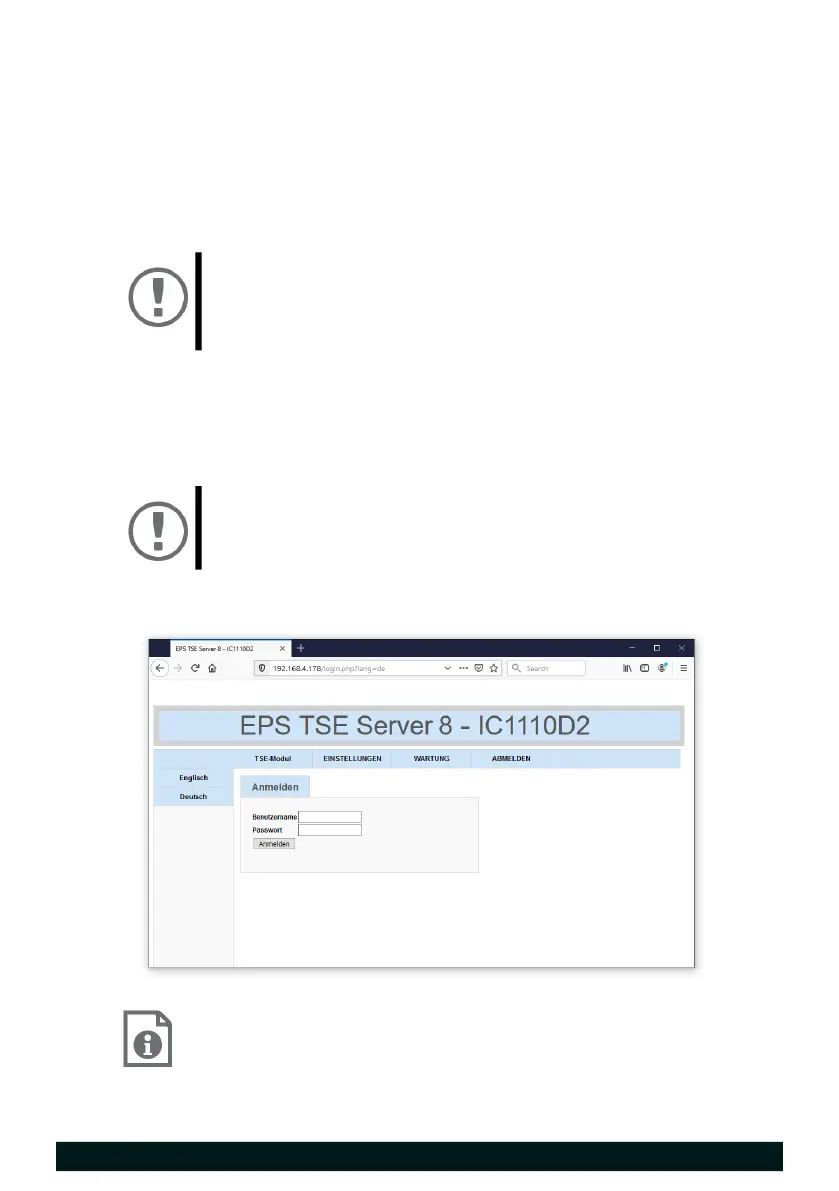
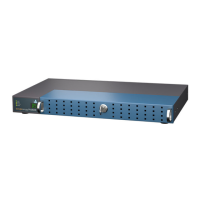
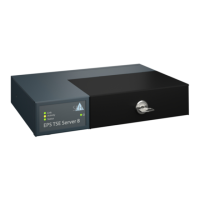
The Fiscal Server has a user interface, the EPS TSE Server Control Center, which
can be opened in an Internet browser.
The EPS TSE Server Control Center can be used to configure, monitor and
maintain the Fiscal Server.
1. Open your browser.
2. Enter the IP address of the Fiscal Server as the URL.
The EPS TSE Server Control Center appears in the browser.
3. Log in using the default user profile.
User name: admin
Password: admin
You now have access to the EPS TSE Server Control Center.
You can also configure additional user accounts.
Detailed information about the configuration of the Fiscal
Server can be found in the Online Help of the EPS TSE Server
Control Center.
To start the Online Help, click the '?' icon.
Important:
If the EPS TSE Server Control Center does not appear,
check if a gateway is configured and the proxy settings
of your browser.
Important:
Change the default password as soon as possible
15!


 To Next Page