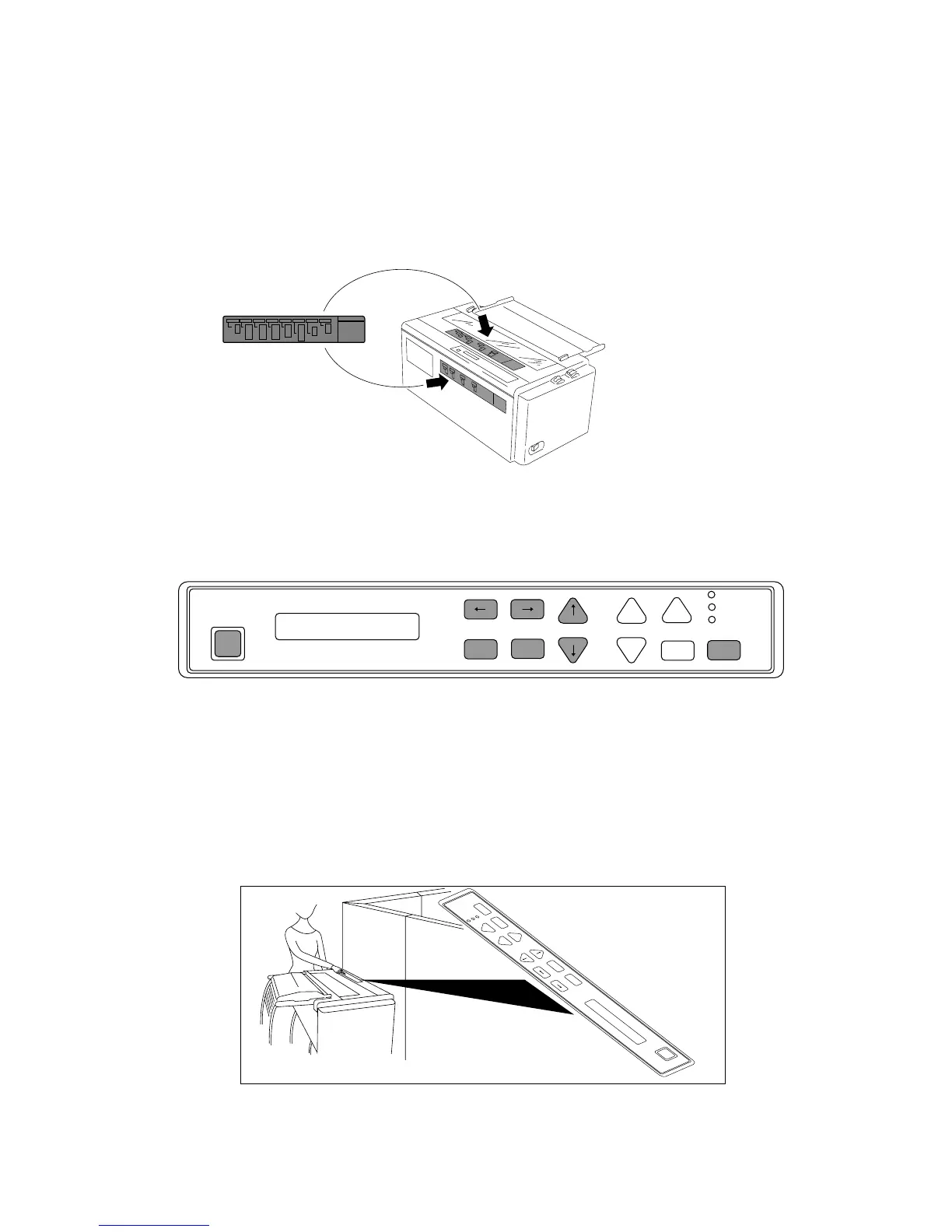
❏ Operation guide sheet
The operation guide sheet helps you to operate some of the basic options on the front control panel.
You can peel the sheet backing paper to stick anywhere on your printer.
❏ Reverse control panel sheet
Installation
The reverse control panel sheet allows you to easily read the function key labels from the back
of the printer. In situations where working from the back of the printer is convenient, simply
lay the reverse control panel sheet in position over the standard control panel.
Note:
If you set the invert display mode in the extended setup options, the display messages also
become upside down orientation.


 To Next Page