4-8
4.5. Calibration zero point of DMM function
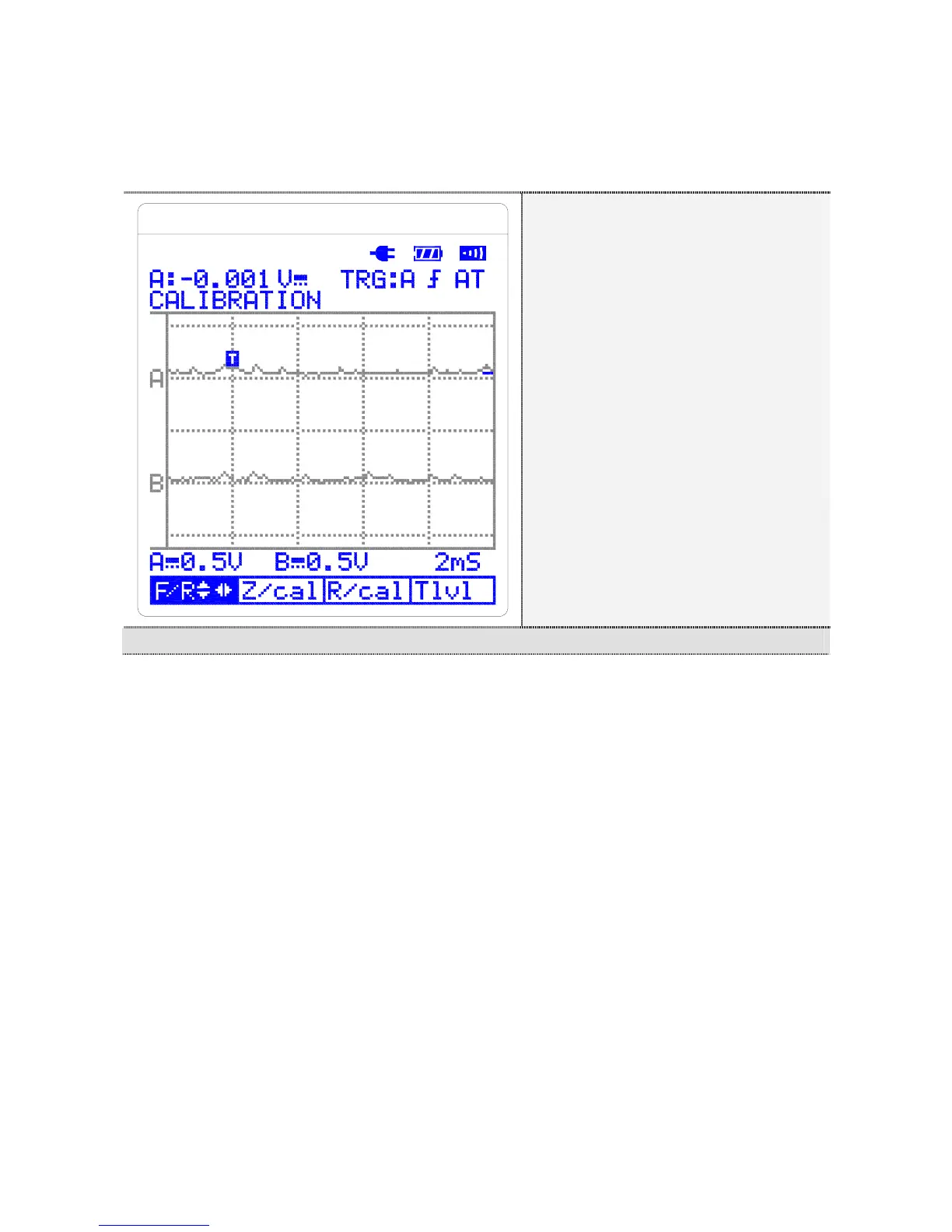
1. Move to DMM function adjustment mode by pressing F4 (DMM)
button.
① F/R:
Function & Range-
② Z/cal:
ZERO Calibration
③ R/cal:
Reading Calibration
④ Tlvl:
Trigger Level
DMM Function Calibration Mode
2. Up and down arrow buttons adjust FUN. Right and left buttons
adjust V/RANGE.
3. Connect the tool for a short circuit test.
4. Move to 0.2V range of DCV.
5. Wait until figures stabilize.
6. Adjust zero point of equipment by pressing F2 (Z/cal.) button.
7. Adjust zero point of 2V, 20V, 200V range as described above.
4.5.1. DC Volts Calibration
1. Change to function DCV by pressing up or down arrow button.
2. Change to Range 200V by pressing left or right arrow button.
3. Apply DC 200V to equipment; Allow for settling; then press
F3(R/cal) button. This step will take approximately 5 seconds.
4. Apply 20V, 2V, and 0.2V (S2405, S2505) as described above.
4.5.2. AC Volts Calibration



 To Next Page