7-3
7.5. The back light is not working
When the back light is not working although the symbol is on the
screen.
To remove the Meter Case, refer to procedures chapter 2.5.1 to 2.5.3.
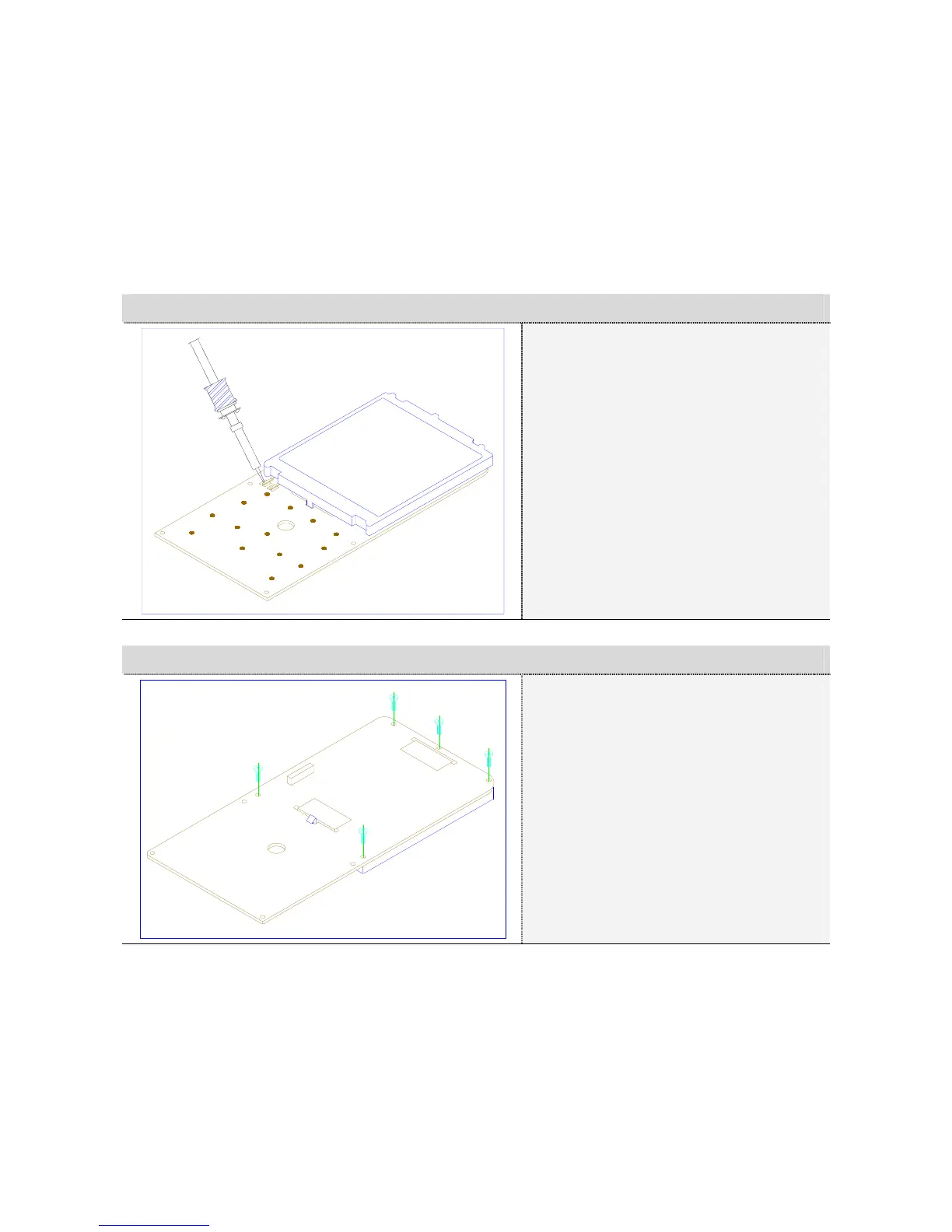
7.5.1. Desoldering from EL terminal
① Desoldering:
Desoldering EL terminal
(2 points).
② Rotate the PCB Assembly
180 degrees.
7.5.2. Remove screw for LCD cover
① Remove Screw:
Remove the five screw for
LCD cover. (5 Pcs)
② Rotate the PCB Assembly
180 degrees.



 To Next Page