System administrator and installer operations
NETfon 330 - User Guide 723142013-A0-LM
60
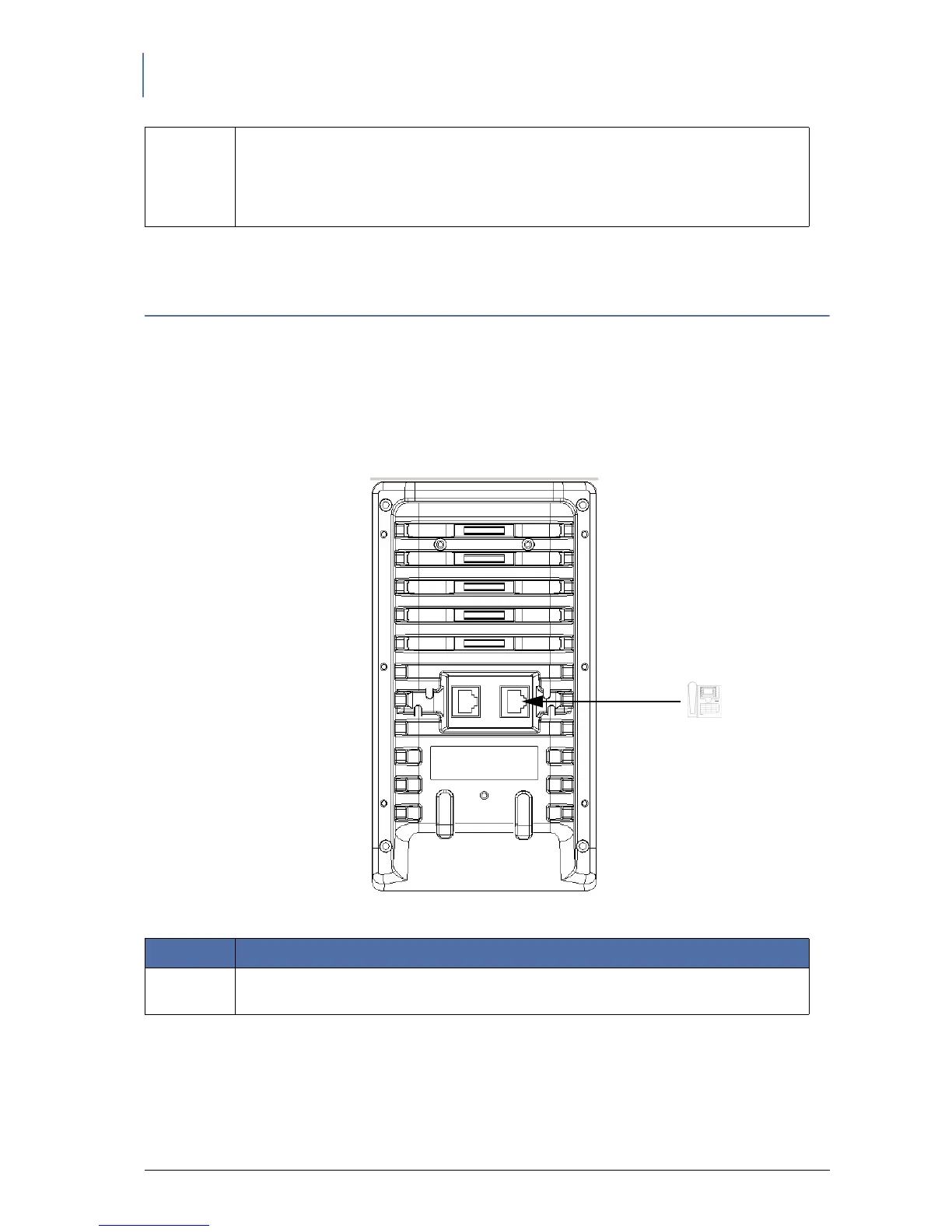
9.2. Connecting the DSS module
The DSS module provides 24 programmable buttons (besides the 24 already present in the base phone)
that when pressed, depending on configuration, the features for which they are set up, start.
To correcly connect the DSS module, see the image below and the connectors’ description.
For NETfon 330 the maximum number of optional DSS modules is one.
6 Headset cable connector
Connect the cable of the headset to the appropriate connector on the back of the
telephone.
Use the following headset: Plantronix - Supraplus H251 N/A + adapter cable code
32145-01 (code 136800008).
Number Description
1 Telephone connector
Connect the DSS module to the IP phone.



 To Next Page