10
6. Operation
Charging Your Vehicle
To start a charging session, connect the vehicle to the charger.
• Unlocked mode - charging will begin immediately.
• Locked mode - charging will begin once authorization is provided using the mobile app. Press the Start
Charging button in the Home Charger section.
• Scheduled mode - charging will begin automatically during the specied schedule.
Stopping a Charge
To stop a charging session, disconnect the vehicle from the charger.
LED Lights
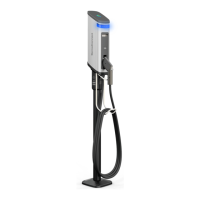
The LED light on the station may display the following colors:
COLOR MEANING
Steady Blue No vehicle is connected. Plug in to start a charge.
Flashing cyan Vehicle connected but not charging. The charger is
waiting for authorization (from the mobile app) or the
schedule.
Flashing green Vehicle connected and charging in progress.
Steady green Vehicle connected and charging is complete.
Steady red Charger error. Please refer to the troubleshooting guide.


 To Next Page