3S PLUS
14
6 STEREO MUSIC
6.1 Bluetooth Stereo Music
1. To play or pause music, press and hold the (+) Button for
1 second.
2. To track forward or track back, press and hold the (+) Button or
the (-) Button for 2 seconds.
7 BLUETOOTH INTERCOM
7.1 Intercom Pairing
7.1.1 Pairing with Other Headsets for Intercom Conversation
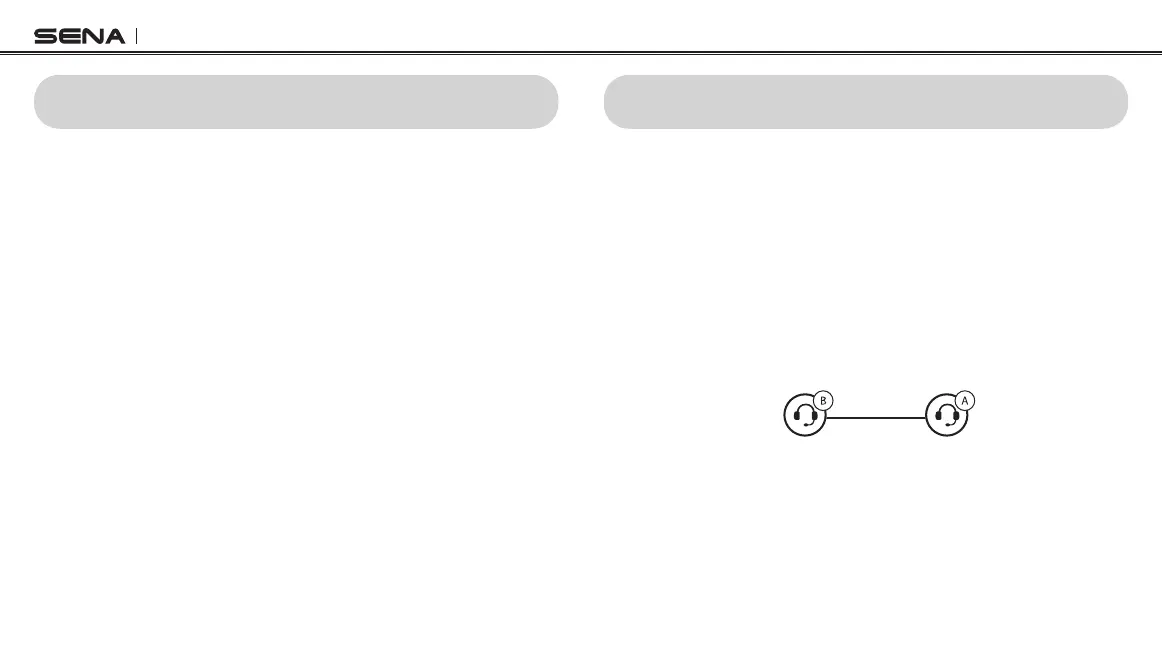
The headset can be paired with another headset for Bluetooth intercom
conversation.
1. Press and hold the (-) Button of the headset A and B for
5 seconds until red LEDs of the both units start to ash rapidly.
2. Simply tap the (-) Button of any one of the two headsets A and B,
and wait until the LEDs of both headsets turn to blue and intercom
connection is automatically established.
Intercom Friend YOU



 To Next Page