3S PLUS
16
9 FUNCTION PRIORITY
The headset operates in the following order of priority:
(Highest) Mobile phone
Intercom
(Lowest) Bluetooth stereo music
A lower priority function is always interrupted by a higher priority
function.
10 CONFIGURATION SETTING
10.1 Headset Conguration Setting
1. To enter conguration menu, press and hold the (+) Button for
10 seconds until you hear a voice prompt, “Conguration
menu”.
2. Tap the (+) Button to navigate between the menus. You will hear
voice prompts for each menu item.
3. You can execute the command by tapping the (-) Button.
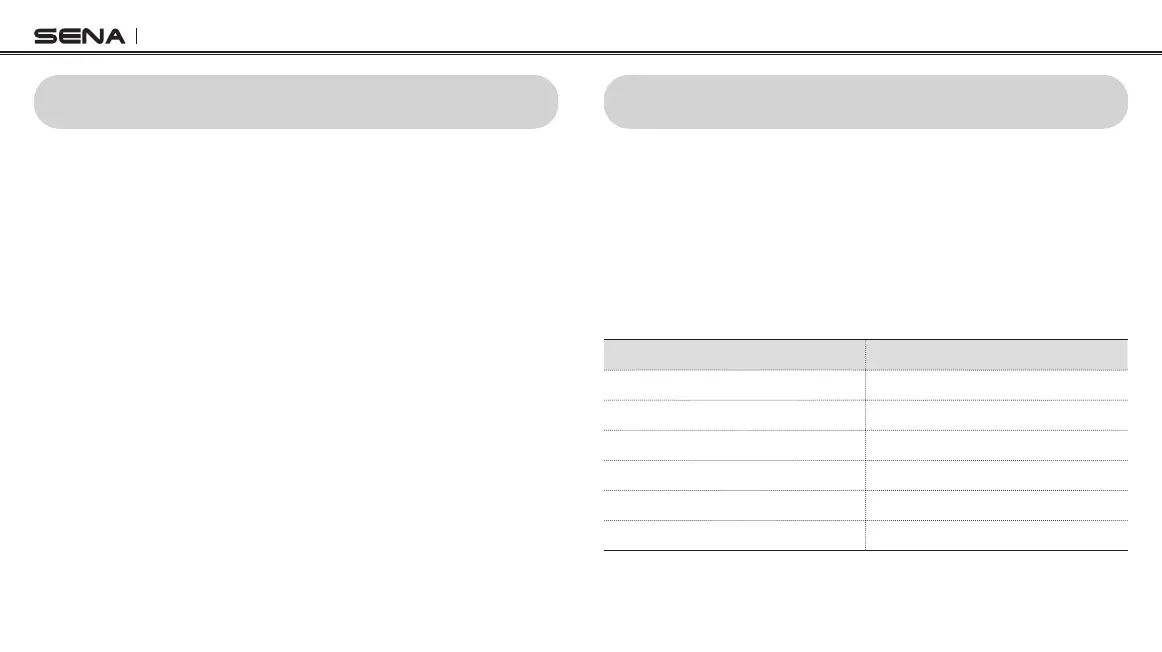
Conguration Menu Tap (-) Button
Second Mobile Phone Pairing None
GPS Pairing
None
Delete All Pairings
Execute
Universal Intercom Pairing Execute
Factory Reset
Execute
Exit Conguration Execute



 To Next Page